TokNav Information Technology CO., LTD.
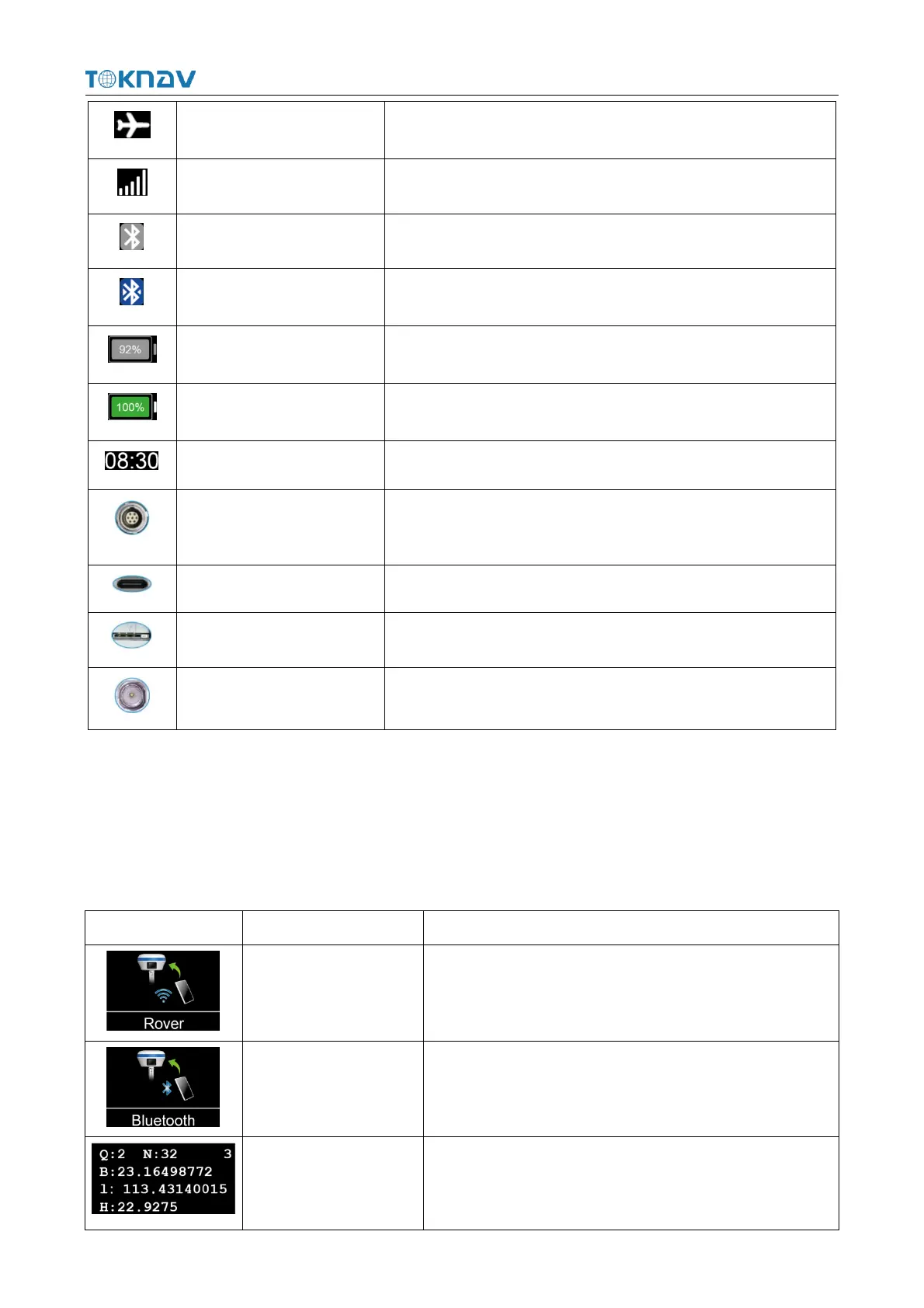
2.2 Display Screen
The screen switches to display the current mode, data link and positioning status
information of the device in 5 seconds.
Bluetooth/Built-in Network/Built-in Radio
Positioning status,
Number of used satellites,
Latitude, Longitude, Ellipsoid height.
The mobile network is not turned on.
The mobile network online.
when Bluetooth is not connected.
when Bluetooth is connected.
The remaining battery of the device.
The device battery is charging.
RS232 serial port, baud rate support 1200, 2400, 4800, 9600,
19200, 38400, 115200 and 230400bps.
Supports up to 18W PD fast charging, see 2.5.
Support for the whole Netcom, see 2.4 for operation.
Low power: 1W High power: 5W



 To Next Page