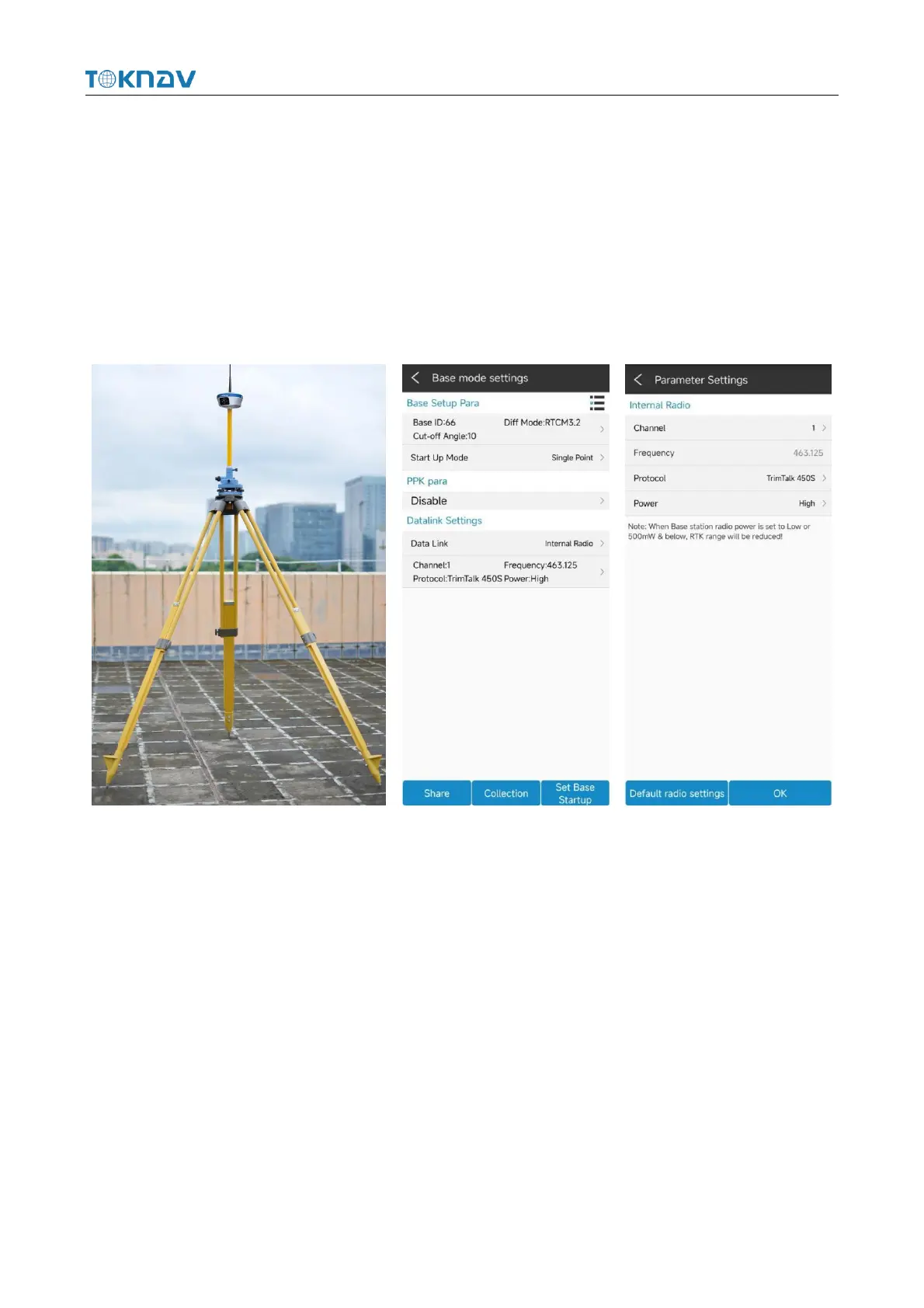
4.8.2 Internal Radio Data Link
Plug in the radio antenna of the device, select "Built-in radio" for the data link,
enter the parameter setting, click "Default radio setting" at the lower left corner to
configure the radio channel, select the channel and protocol content, click "OK ", and
automatically return to the reference station setting interface, click" Start base station
", and automatically return to the instrument main page to check whether the base
station is started.
4.9 Static Mode Setting
Operation: Device → Static
Set options such as point name (the default is the equipment number), PDOP
limit, altitude cut-off angle, acquisition interval, observation time, and operation after
completion, input antenna survey to take altitude, select antenna survey mode, click
"Start", switch to "Stop", and "Wait for recording" change to countdown to start static
data acquisition. Click "Stop" to finish static data collection.



 To Next Page