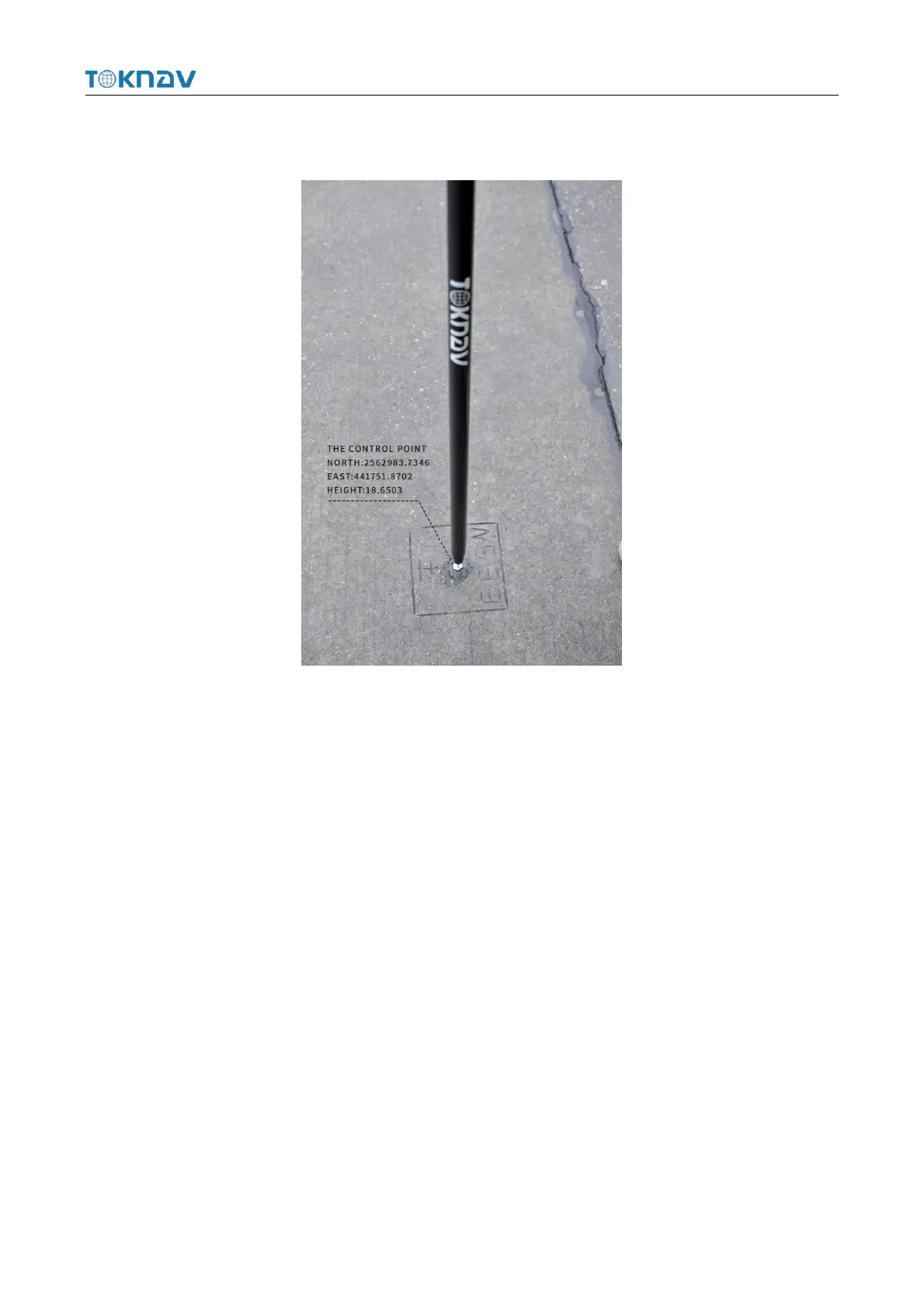
Correctly configure the rover station to obtain fixed state, click [Collect Point] to
measure two known control points in the survey area.
Operation: Project → Localization
Localization is a special design of software, which is designed for specific
survey work in China. When the survey is carried out in the same operation area, the
position of the base station is changed due to moving the base station or re-erecting
the base station, so it is necessary to calculate the translation parameters of the base
station on the basis of using four or seven parameters, that is, only one common
control point is used to calculate the difference between two sets of coordinate
systems.
Select Item → Calculate Conversion Parameters, first click the Add button at the
lower left corner, enter the name, fill in the coordinates and whether to enable the
option on the page to be jumped to, click OK to automatically return to the previous
page, then click the calculation button at the lower right corner, select the coordinate
conversion method, horizontal precision limit and elevation precision limit on the
page to be jumped to, click OK to obtain the conversion parameter calculation result,
and click Apply.



 To Next Page