53
Open Clear
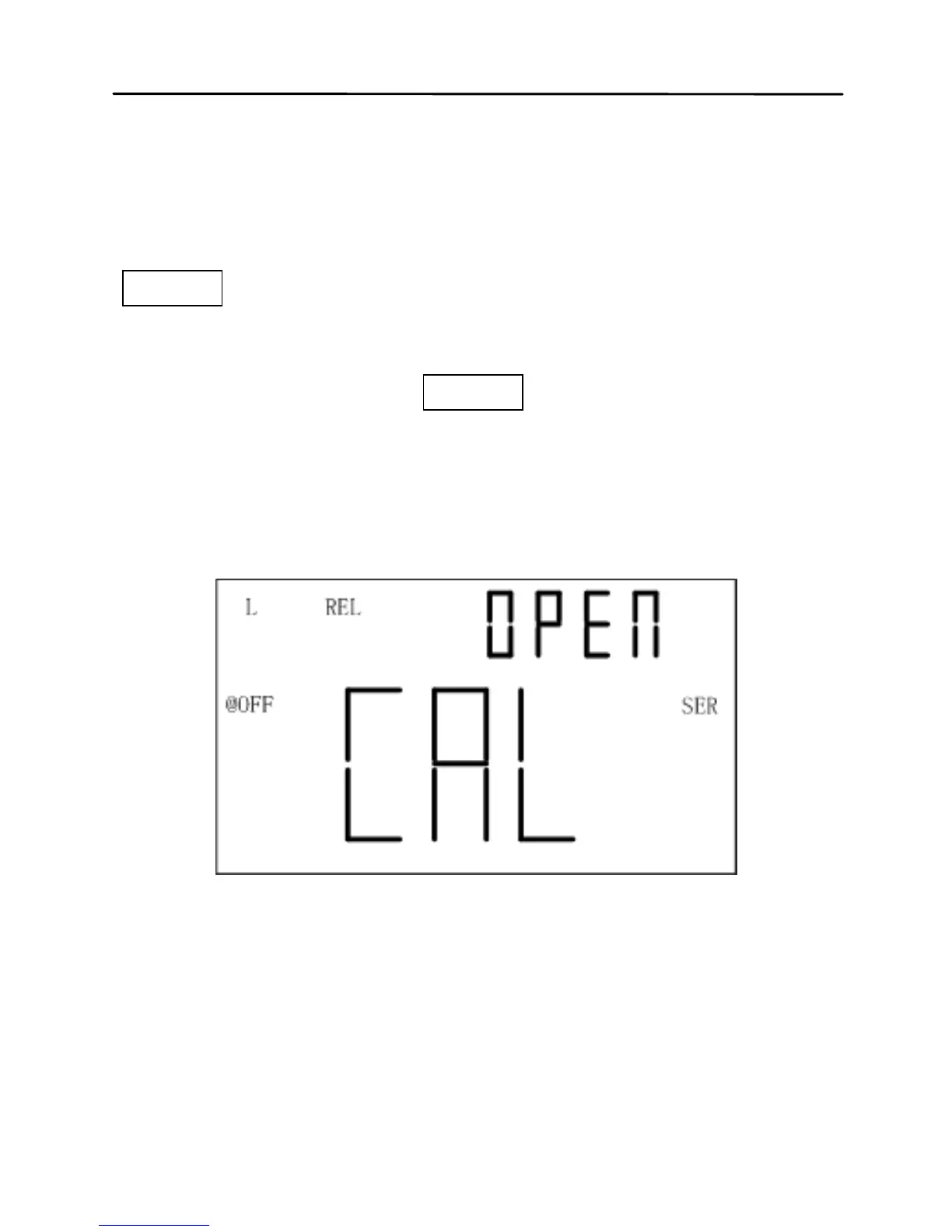
First select frequency to clear and keep test clip and
test slot be open. Enter into clear by the press of
CLEAR, and a moment later the OPEN indicator will
appear on secondary display after the automatic
measurement judging. If user decides to perform open
clear, another press of CLEAR should be done.
NOTE:“----” indicator on secondary display indicates
that test terminal is out of open state and open clear
cannot be performed.
Figure 9 - Open Clear



 To Next Page