@
ToolkitRC
2019
===============================
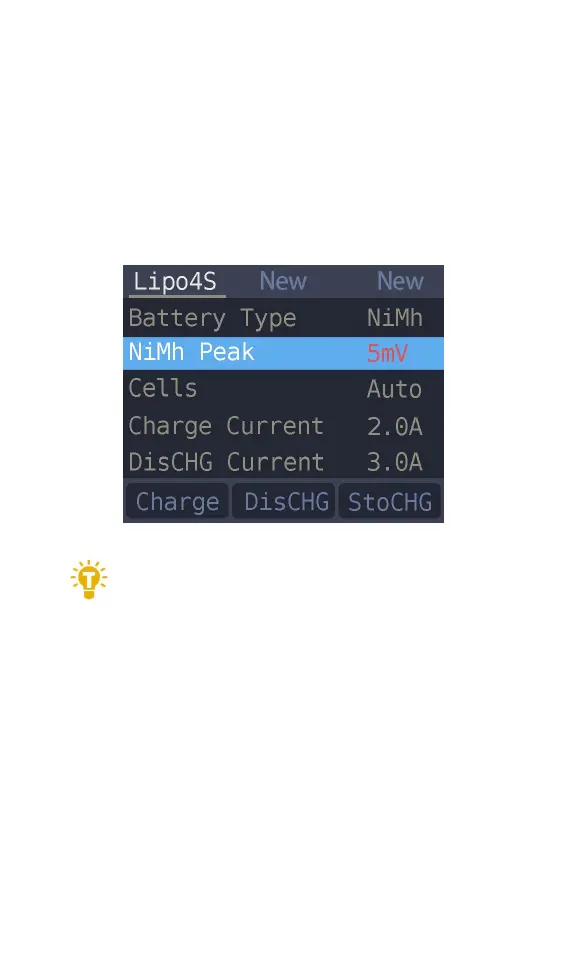
3. NiMH Setting(PeakV)
When the battery type is NiMh. you can set the
negative voltage value when the battery is full. and
the range can be set from 5mV to 20mV. as shown
below.
===============================
Tips:
1. Only NiMh battery can set the battery
negative voltage value
2. vocabulary explanation:PeakV: Peak voltage drop
per piece when NiMH battery is full
===============================
4. Battery Setting
Move the cursor to the [Cells] and press the [OK]
button to change the number of battery cells. Press
[up] or [down] to adjust the value. When set to



 To Next Page