@
ToolkitRC
2019
Charge and discharge
After selecting the [Charge] function on the main
interface press [OK] to enter the charging function.
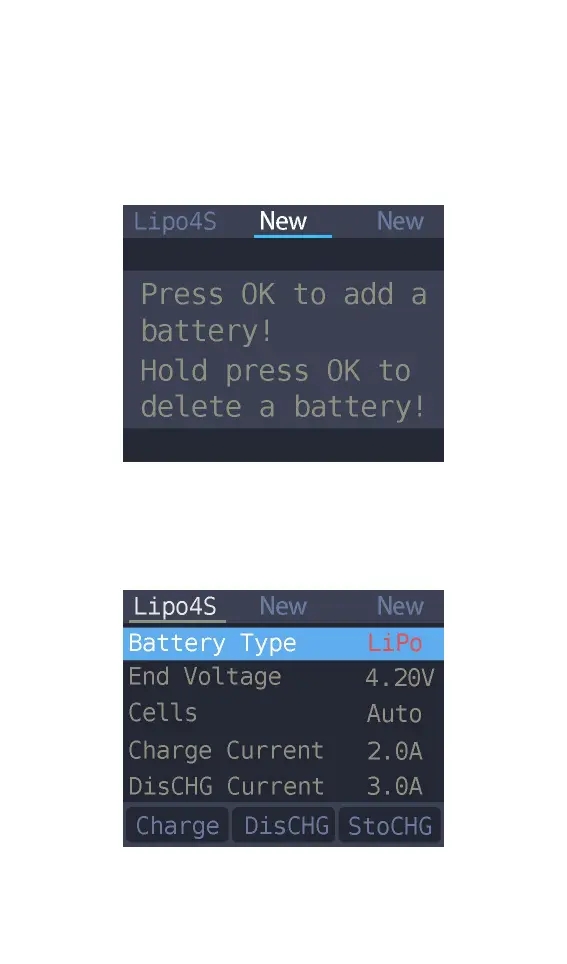
The following interface is displayed.
1. Battery type setting
Press [up] or [down] to move the cursor. Select the
battery type to be set. Press [OK] to enter the
battery setting interface as shown below.
Move the cursor to [Lipo] and press [OK] to modify



 To Next Page