@
ToolkitRC
2019
Signal output
After selecting the [Output] function on the main
interface press [OK] to enter the function. and the
following interface is displayed.
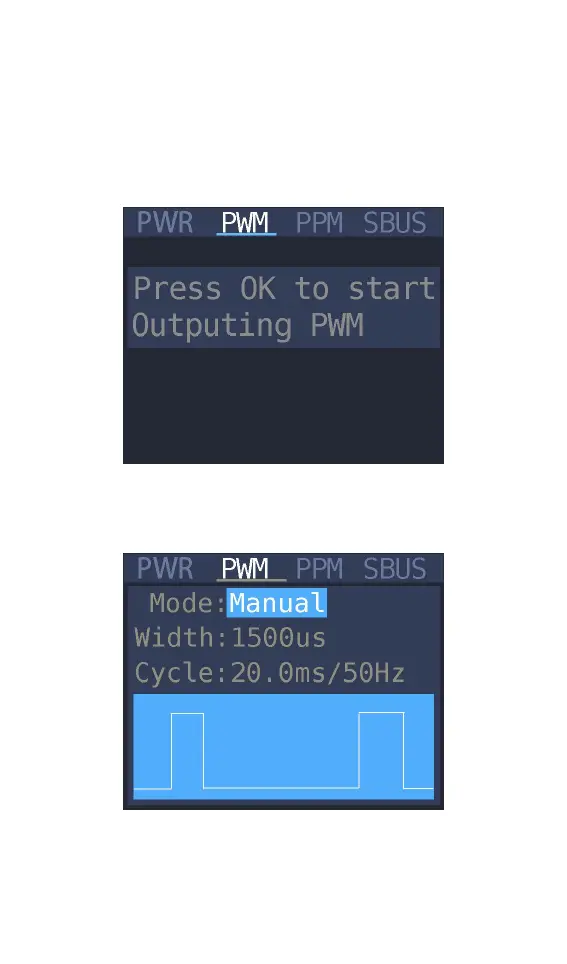
Press [up] or [down] to move the cursor to the
[PWM] item press [OK] to enter the PWM test
interface as shown below.
Move the cursor to the [Manual] item press [OK] to
set the output mode. which can be set to Manual.



 To Next Page