@
ToolkitRC
2019
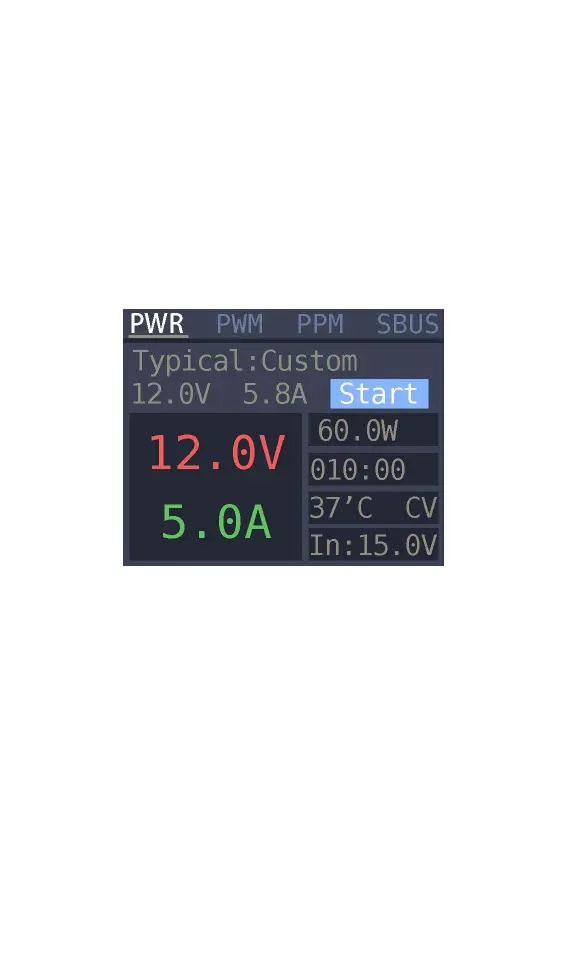
Power output
Press [up] or [down] on the [Output] main interface
to move the cursor to the [PWR] item. press [OK] to
enter the power output function. This product will
output the input power according to the setting
voltage and current. constant voltage and constant
current. The display interface is as shown below
Typical value: It is a common typical output
mode. which can be set into the following 3
modes.
1. Input pass-through: Do not achieve constant
current and constant voltage. and output the input
voltage directly from the output main port.
2. custom: users can manually set the value of
voltage and current limit according to demand
3. commonly used drone battery charging: select



 To Next Page