@
ToolkitRC
2019
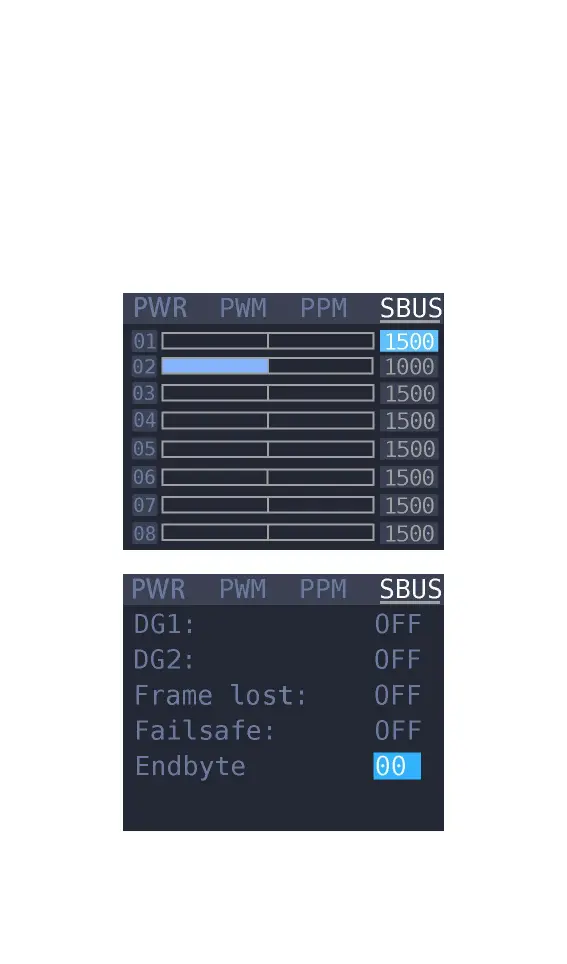
etc.. Press up or down. and switch the 16 channel
value and status bit. The display interface is as
shown below (9-16 channel and status display
interface diagram omitted) Press [up] or [down] to
move the cursor to the value of the channel to be
modified. Press [OK] to modify the output pulse
width value of this channel.



 To Next Page