@
ToolkitRC
2019
Quick start
1. The 7-28V power supply is connected to the
input port on the back of the M6
2. The display shows the bootup logo and stays
for 2 seconds
3. Accompanied with do-re-mi bootup sound
4. the bootup is completed. the display enters
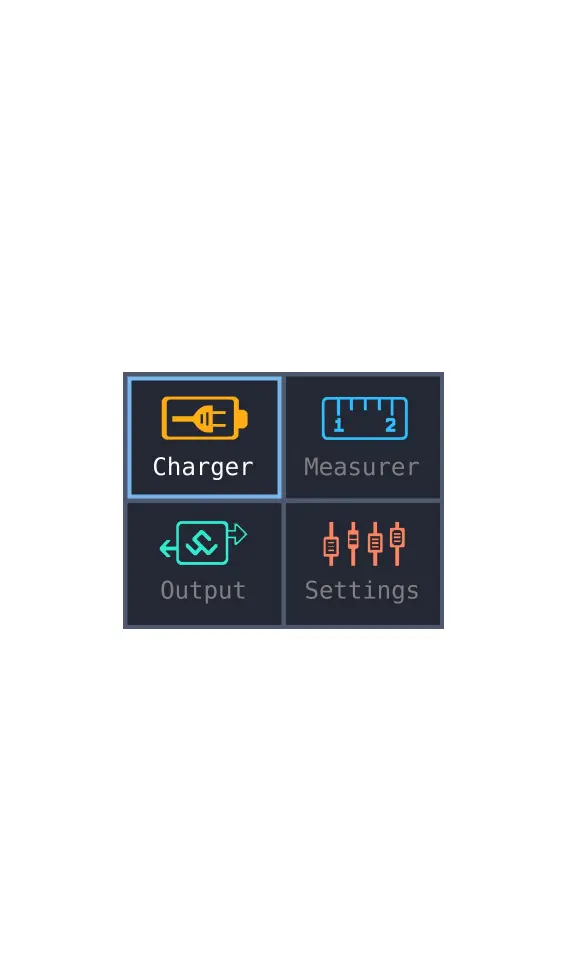
into the main interface as shown below
5. Press [up] or [down]. move the cursor to
select function. press the [OK] button to
enter the selected function and enter the
corresponding interface
6. After entering the related function interface.
Press [up] or [down] to move the cursor to
select the setting item or value. press the [OK]



 To Next Page