@
ToolkitRC
2019
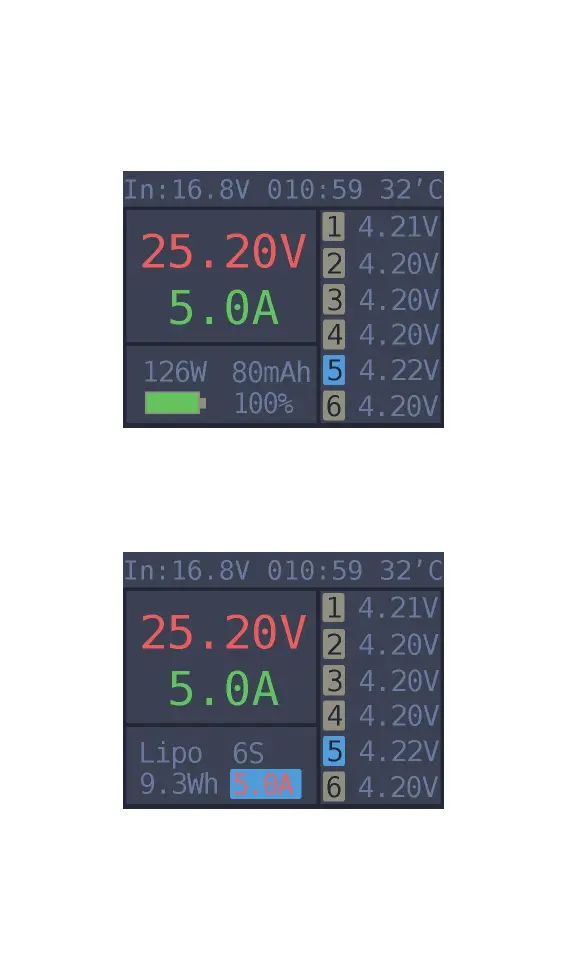
Charge and discharge
When charging and discharging starts the charger
enters the working interface as shown below.
Press [up] or [down] key on this screen to switch
the bottom status display information or press and
hold [OK] for 2 seconds to dynamically set the
working current. As shown below
25.20V: The battery voltage of the output port.
5.0A: Charging or discharging current



 To Next Page