@ToolkitRC 2024
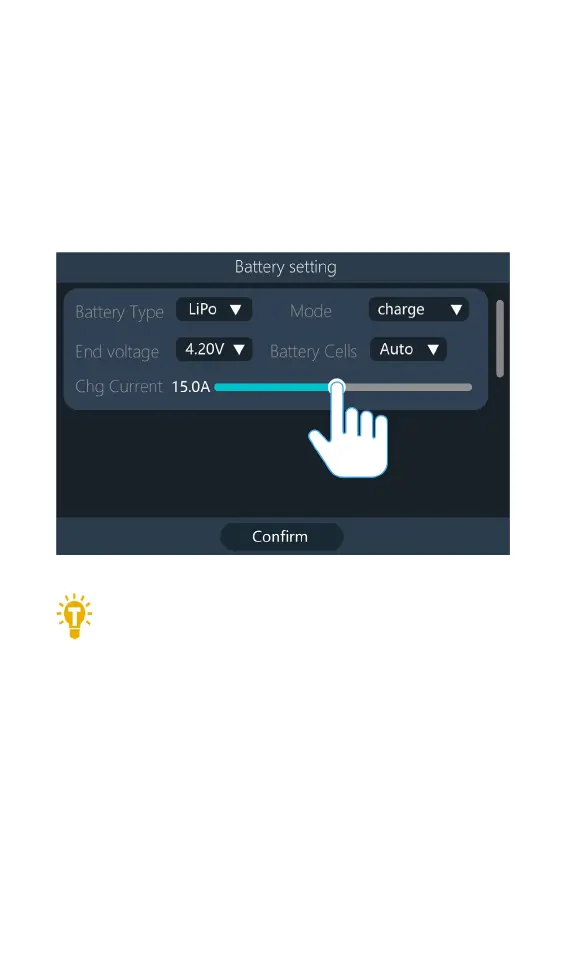
5,Charging current
Move the cursor to the [Charging Current] position,
and slide the [Slider] to modify the current. Or scroll the
[Scroll Wheel] to adjust the value in 0.1A steps. Scroll
quickly [scroll wheel] to add or decrease faster. The
charger supports up to 30A.
=================================================
Tips:
6. Please set the charging rate of 1-2C
according to the battery capacity. For example, if
the battery capacity is 2000mAh, please set the
charging current to 2.0-4.0A. Check the guidelines
of your battery’s manufacturer for correct charging
instructions.
==================================================



 To Next Page