@ToolkitRC 2024
System settings
Select the [Settings icon ] on the main interface, or
press and hold the scroll wheel for 2 seconds, you can
enter the system settings interface when both channels
are idle, as shown in the following figure
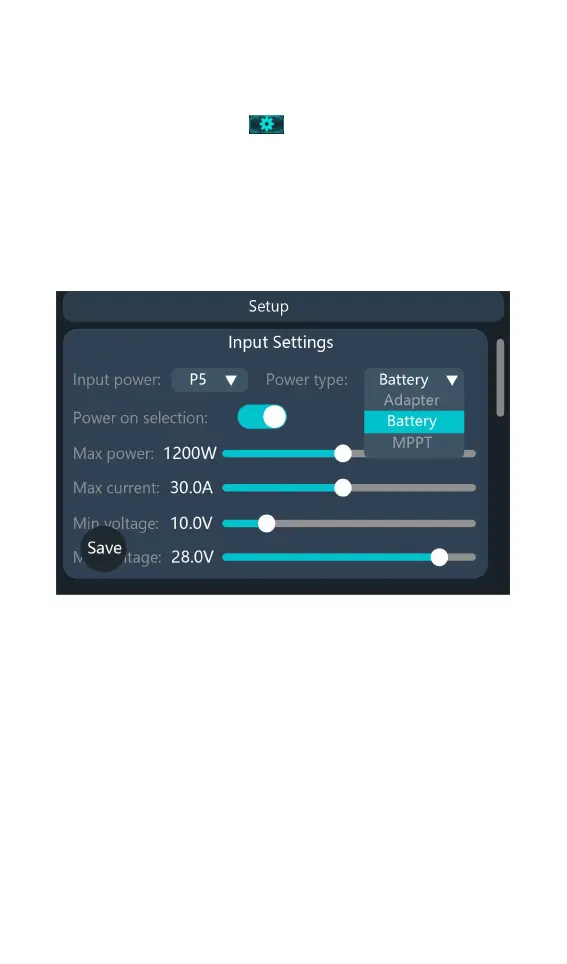
Input Settings: Enter the relevant settings of the power
supply, as shown in the following figure.
Input Power : P1, P2 and P3 can be saved and selected.
Users can set the power, current, voltage and other
information of the input power supply.
Power Type: The type of input power supply for the
current value, the discharge function can be selected as
recycling
Only when the input was set to battery.
Power Selection: When this setting is turned on, each
time charger power on it prompts you to select a power
unmber.
Max power: the maximum power absorbed from the



 To Next Page