@ToolkitRC 2024
Charging
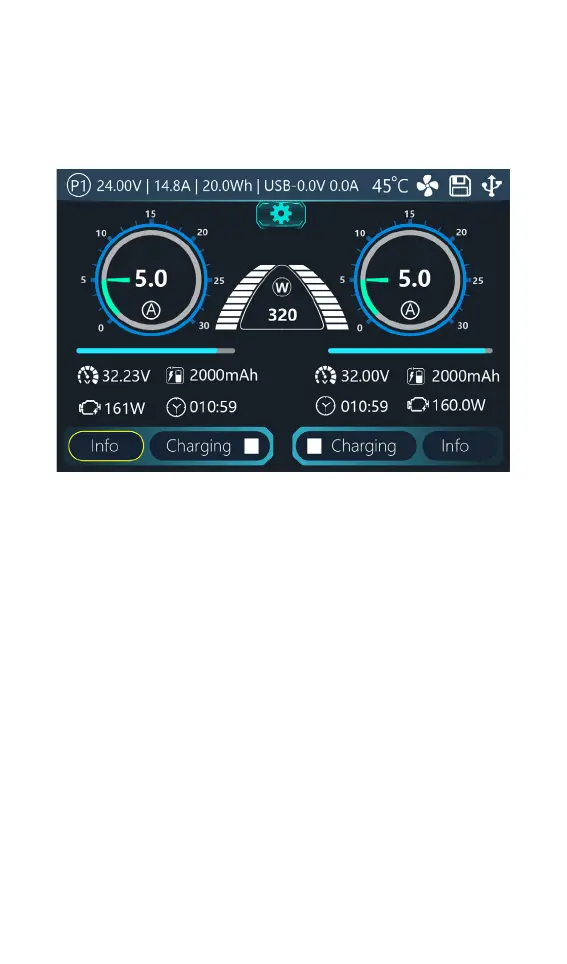
When charging starts, the charger enters the
working interface as shown below:
Select the [Info] button on this interface to view the
voltage value of the corresponding channel, slide the
voltage information to the left, and switch to the internal
resistance display.
Select [Status Bar] to dynamically set the working current
or stop working. As shown in the figure below



 To Next Page