@ToolkitRC 2024
Charging settings
In the main interface, select and short press [Scroll
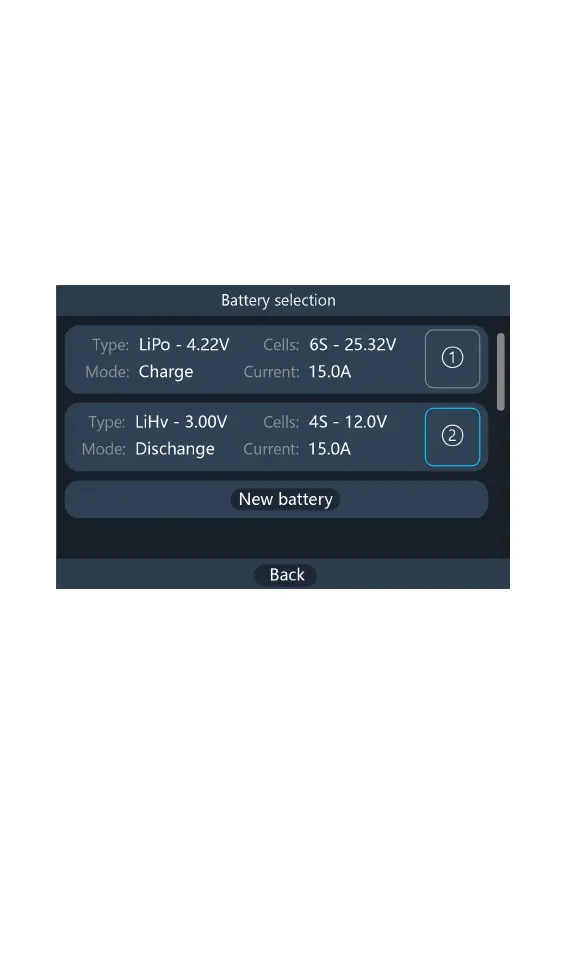
Wheel] to enter the charging function. If the “Battery
selection” is turned on in the main setting interface, 10
battery records can be saved, and the following
interface is displayed. Otherwise, it will default to the first
battery record, skip this step.
1,Battery type
Select the battery that has been set, or press [New
Battery], select the battery number to enter the new
battery setting interface, which is displayed as follows.



 To Next Page