CA-200F Corneal Analyser - Rev. 7 16/01/2012
25
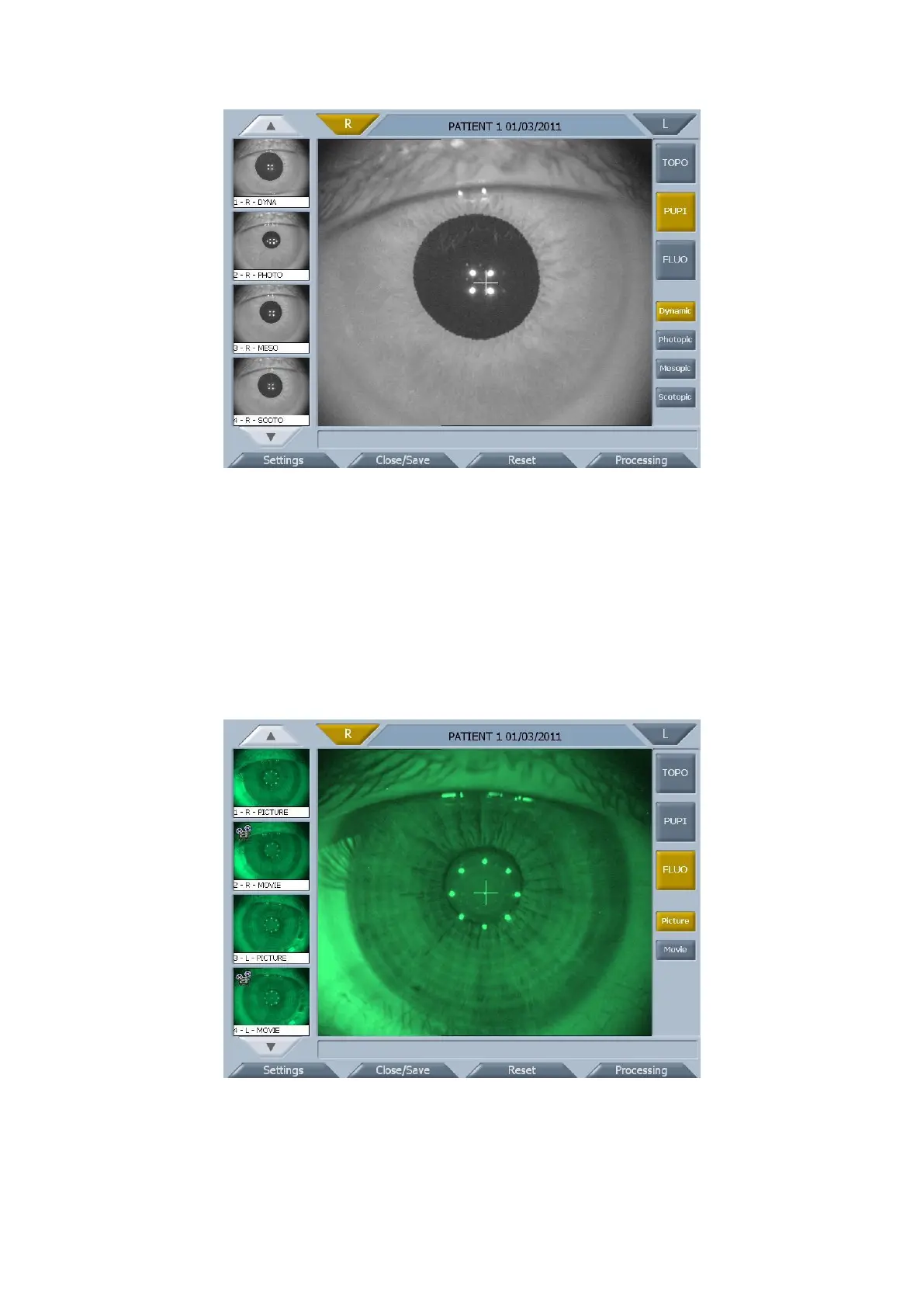
fig. 1-14
Acquisition procedure
Align the live image in the center and focus it, then push the joystick button to start acquisition.
You can stop acquisition by pushing the joystick button. Otherwise the acquisition is automatically interrupted
when the sliding bar reaches the end.
FLUORESCEIN
Press the “FLUO” button to access the fluorescein analysis acquisition environment (fig. 1-15).
You can select between picture and movie acquisition.
fig. 1-15
Acquisition procedure
Align the live image in the center and focus it, then push the joystick button to start acquisition.
In case of movies, you can stop acquisition by pushing the joystick button. Otherwise the acquisition is
automatically interrupted when the sliding bar reaches the end.



 To Next Page