− 11 −
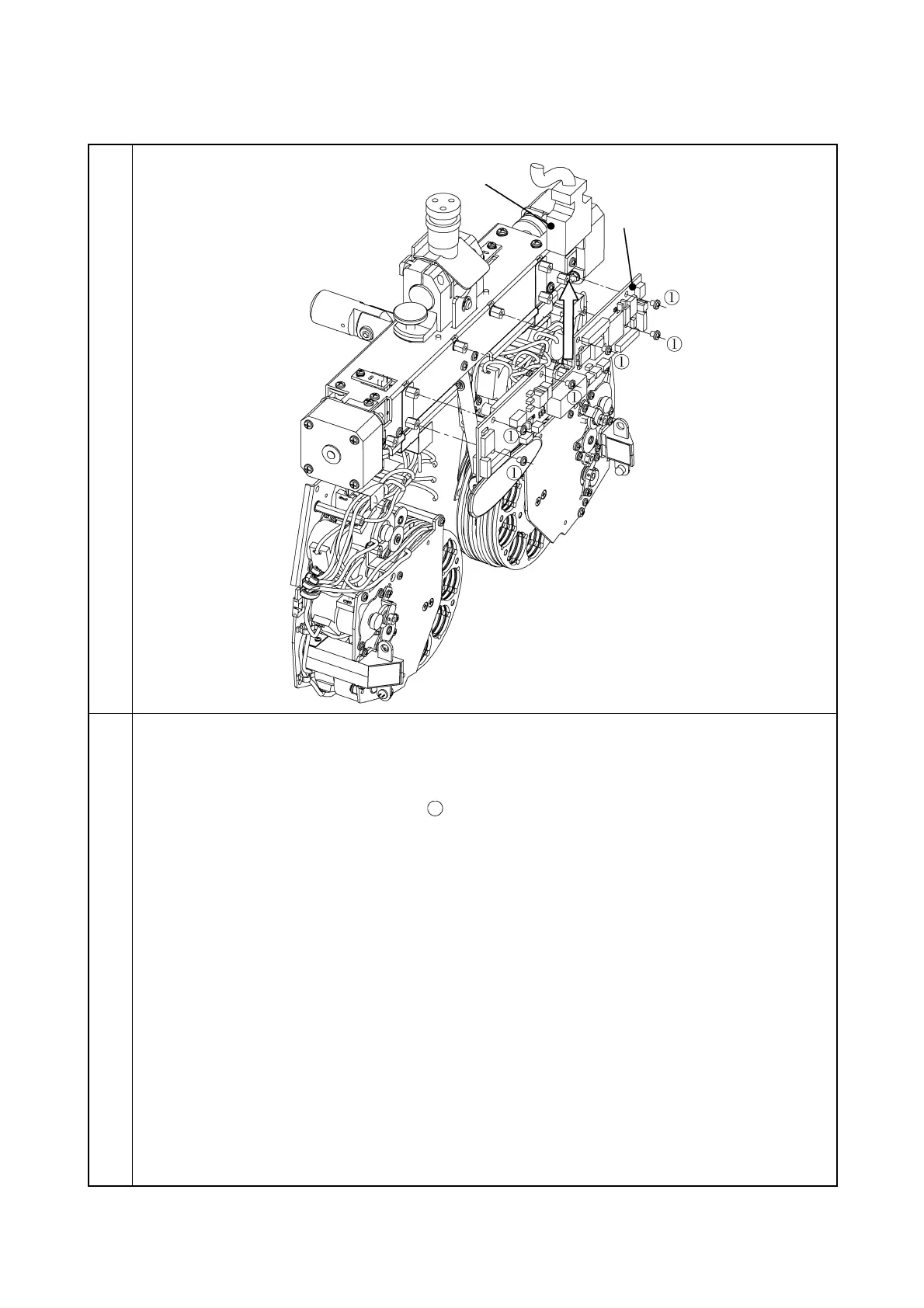
3-1-4 Removal of MAIN PCB
Illustration
Procedure
1. Remove the power box relay cable.
2. Remove the tape wires and all the connectors from the MAIN PCB.
3. Remove the five screws CR3 × 4Ni
and then remove the MAIN PCB.
Note: When installing, attach the insulation sheet.



 To Next Page