− 50 −
3. How to use “CV-5000 Install Program by USB Ver. 1.10”
“CV-5000 Install Program by USB” is used when you perform version up on the personal computer via the
USB cable for the ROM softwares of the CV-5000 instrument and the CV power supply unit.
Functions of the units
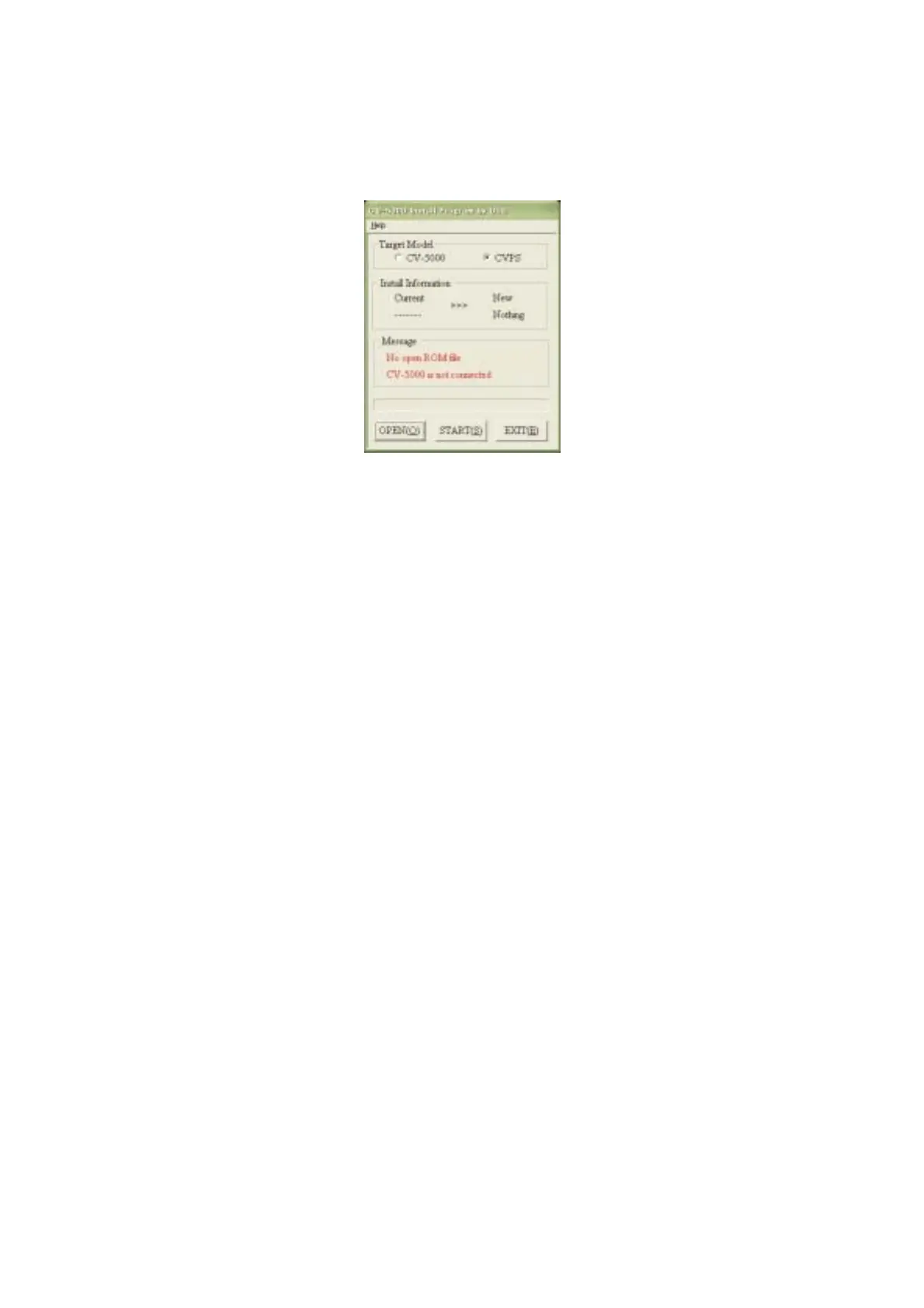
Target Model
This is a radio button to select the objective instrument for version up.
Install Information
Current : Connect to USB and turn on the power. The current ROM version is displayed.
New : The ROM version to be written is displayed.
Message: Displays the connection status.
“No open ROM file” : The new ROM file is not read.
“CV-5000 is not connected” : The CV power supply unit is not connected to the personal computer.
OPEN
This is a button to select the ROM file (file form: *.ROM) to be written.
The ROM filename of CV-5000 is V###.ROM. (Ver. 1.13 or higher)
The ROM filename of CVPS is CVPS###.ROM. (Ver. 1.11 or higher)
START
This is a button to start writing.
EXIT
This is a button to finish this software.
* If writing starts though the specified ROM file is not the same as the ROM file of the instrument
specified in “Target Model”, an error dialog box appears. In this case, check the setting and then open
the file again.



 To Next Page