Ch 2 Hardware Components 19
Display Backlight Brightness Settings
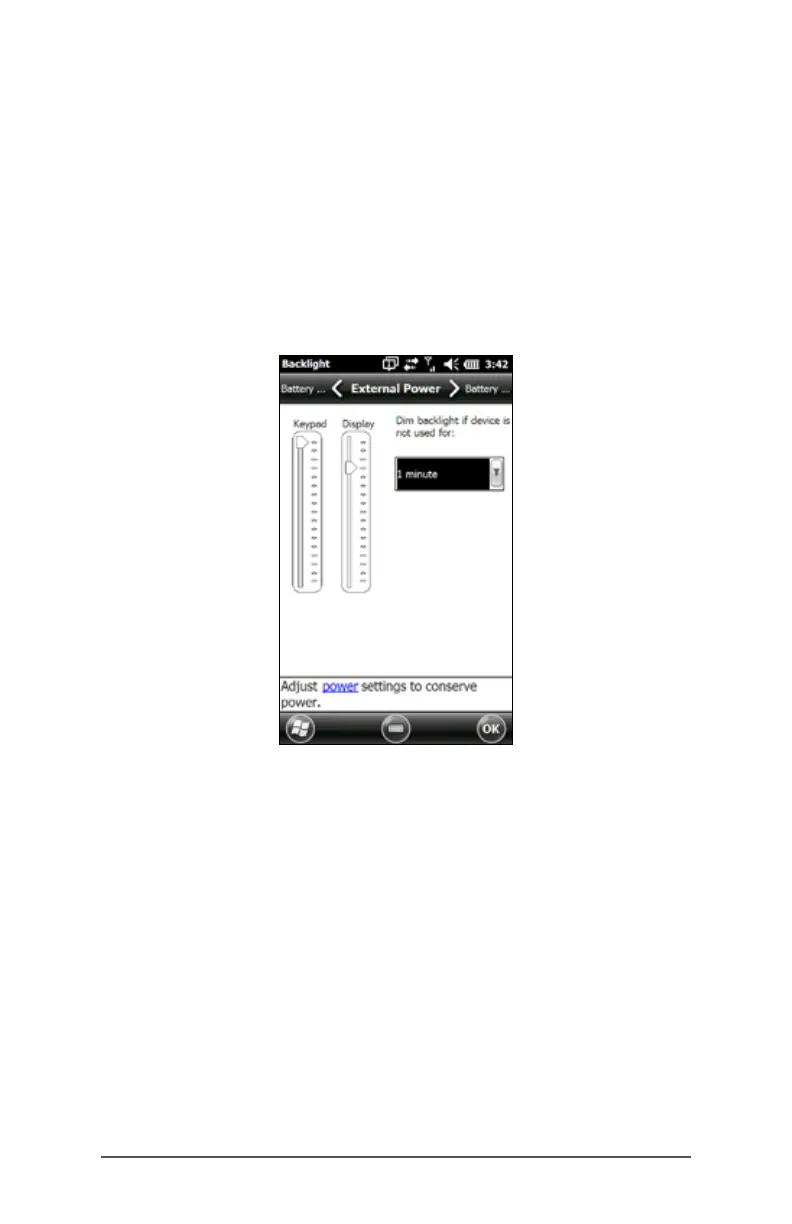
The default setting for the display backlight is 80%. Adjust
the display brightness through the Backlight control panel
by pressing Start > Settings> System > Backlight. External
Power and Battery Power are adjusted on different screens.
Select these screens from the horizontal scrolling menu near
the top of the screen.
Move the Display slider up to brighten the backlight or
down to dim it.
Dimming the Display Automatically
The display has a minimum brightness setting that it dims
to when the FC-500 is idle for the time interval indicated.
The display backlight dims by 50%, so the display is still
partially visible. You can adjust the dim time interval (see
the previous screen) for battery and/or external power.
Dimming the display backlight saves battery power.
To bring the backlight back up to the full brightness setting,
tap on the dimmed display.
Note: The FC-500 can be set up in subdued lighting
(tactical) mode. Refer to Chapter 3 for instructions.



 To Next Page