9-7
9 MEMORY MANAGER MODE
9.3 FILE MAINTENANCE
In this mode, the following items are available.
Renaming file name / Searching data in a file / Deleting files
● FILE MAINTAN. menu
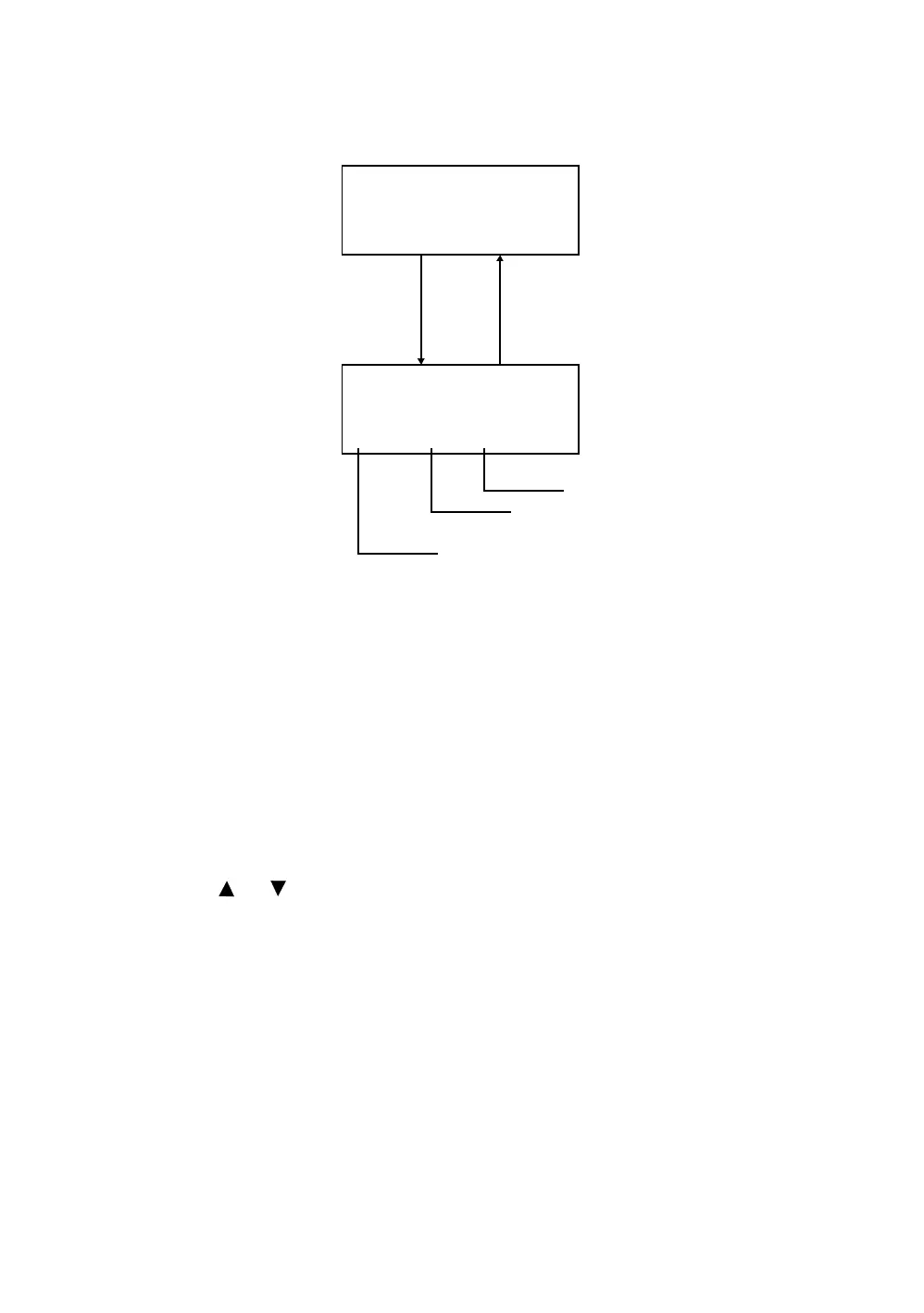
Pressing [F3](FILE MAINTAN.) key from MEMORY MANAGER menu 1/3, file list will be shown.
• File discrimination mark (*,@,&)
File discrimination mark (*,@,&) placed before file name indicates the file status.
For measured data file
“ * ” :selected file for DATA COLLECT mode.
For coordinate data file
“ * ” :selected file for LAYOUT mode.
“ @ ” :selected coordinate file for DATA COLLECT mode.
“ & ” :selected coordinate file for both LAYOUT and DATA COLLECT mode.
• Data discrimination character (M, C)
Data discrimination character (M, C) placed before four figures indicates the type of data.
“ M ” :Measured data
“ C ” :Coordinate data.
• Four figures means the total number of data in the file.
(Coordinate data file has an extra data for working.)
Press the [ ] or [ ] key to scroll to next file.
MEMORY MGR. 1/3
F1:FILE STATUS
F2:SEARCH
F3:FILE MAINTAN. P
↓
@AMIDAT /C0123
→
*
MEASD1 /M0123
&COORD1 /C0056
REN SRCH DEL –––
[F3]
[ESC]
Deleting file
Searching data in a file
Renaming file name



 To Next Page
 Loading...
