31
1 NOMENCLATURE AND FUNCTIONS
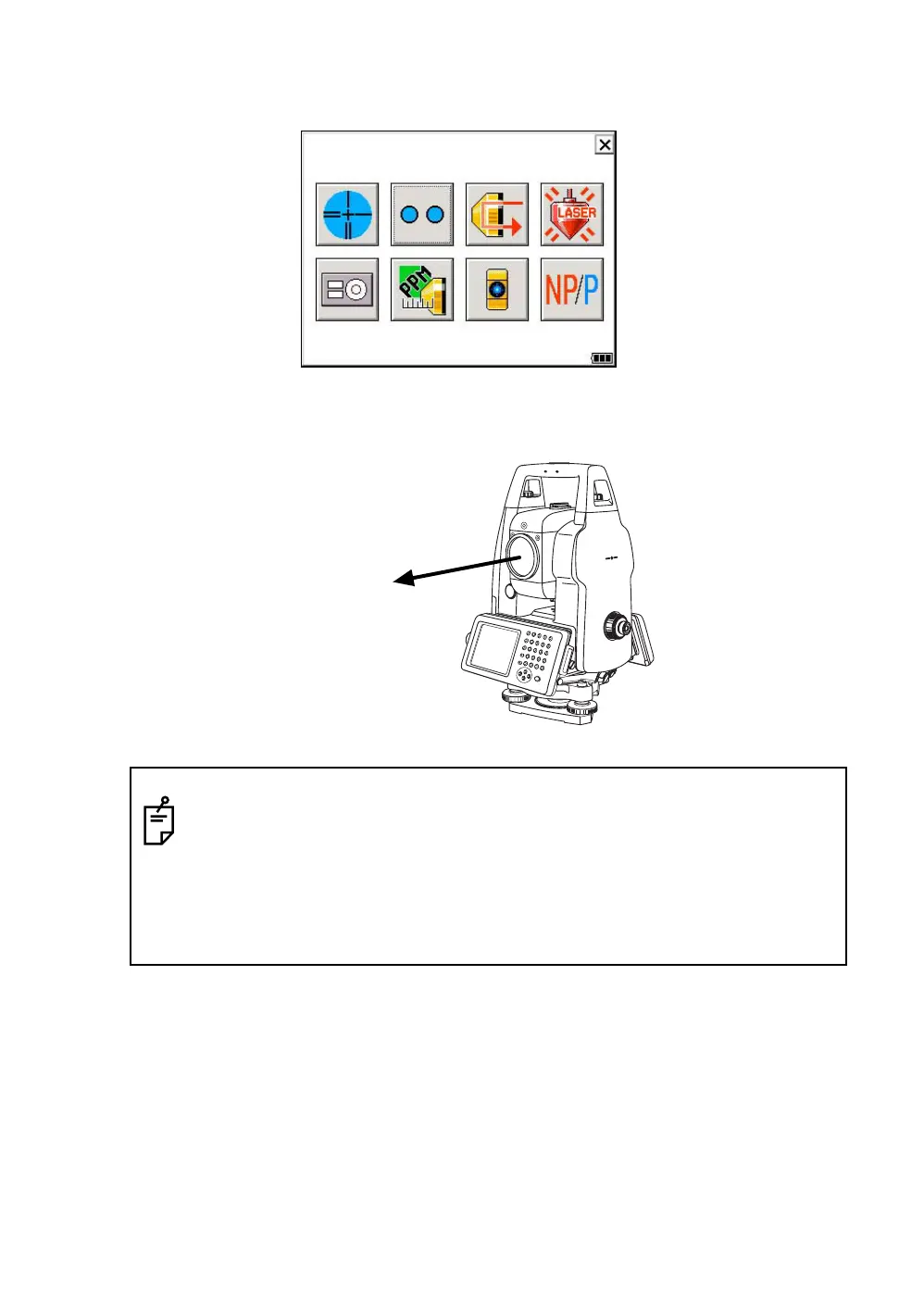
● Laser Plummet ON/OFF ( Only for Laser Plummet type)
Laser plummet option will help you to center the instrument easily onto the measurement point.
The following symbol mark will indicate that the laser is emitting.
● Laser Pointer ON/ON(blink)/OFF
The laser pointer assists with collimation by radiating visible laser light from the objective lens to the
target.
● Non-prism mode / prism mode
To switch the non-prism / prism mode, press the Non-prism / prism switching icon.
For more information, see Chapter 3.3 “Distance Measurement”.
● The laser pointer indicates the approximate collimation position of the telescope. It does
not indicate the exact collimation position.
● When the EDM is working, the laser pointer will blink.
● You cannot see the laser pointer when looking through the telescope. Therefore, please
look directly, with the naked eye, at the point indicated by the laser pointer.
● The distance to which the laser pointer can be used will vary with climatic conditions and
with the eyesight of the user.
● When the laser pointer is used, the operating time of internal power source will become
short.
Laser aperture



 To Next Page
 Loading...
