73
5 CHECK AND ADJUSTMENT
● For non-prism mode
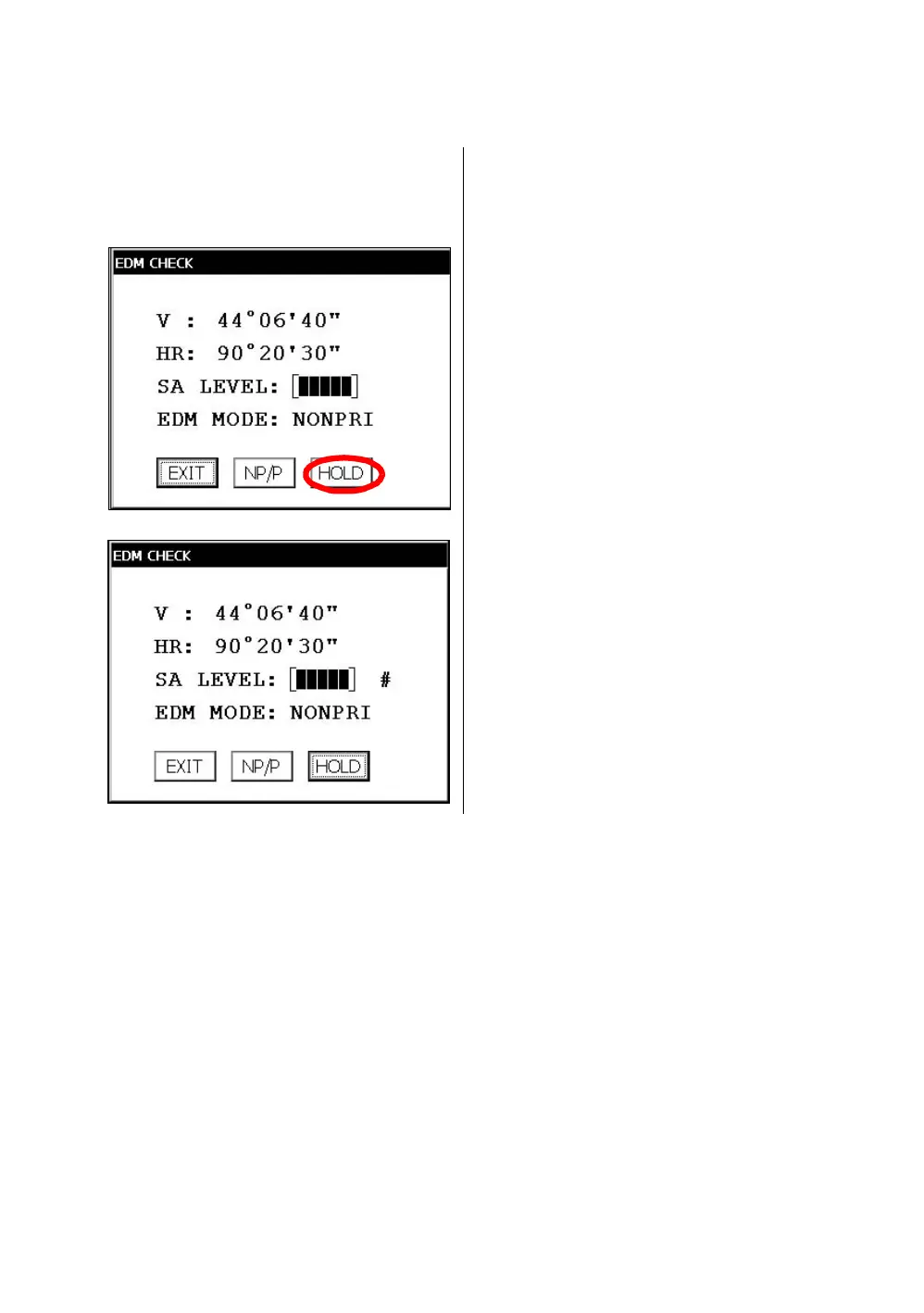
If the instrument is in the hold mode, press the [HOLD] key to release the hold mode.
15 Press the [NP/P] key to change the non-prism
mode.
16 Collimate the center of the prism.
17 Press the [HOLD] key to hold the quantity of
the light.
The mark "#" will appear on the right side of the
signal level indicator.
18
Repeat the previous procedure 6 to 14 in the
same way in the non-prism mode.
If the difference is within 2', no problem for use.
If the difference is more than mentioned value,
contact with your Topcon dealer or Topcon.



 To Next Page
 Loading...
