7-14
7 DATA COLLECTION
7.3.3 Plane Offset Measurement
Measuring will be taken for the place where direct measuring can not be done, for example distance or
coordinate measuring for a edge of a plane.
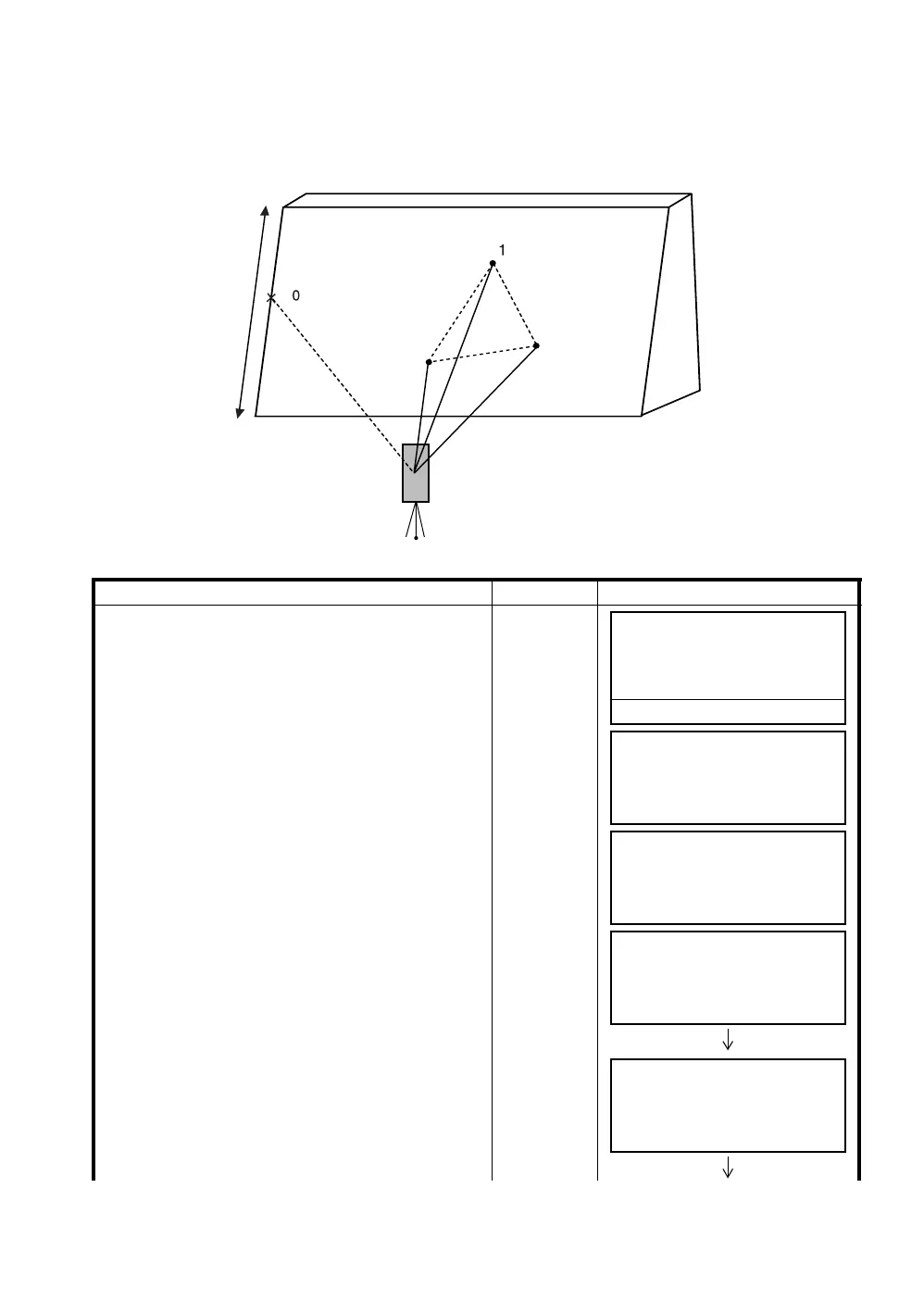
Three random points (P1, P2, P3) on a plane will be measured at first in the plane offset measurement
to determine the measured plane. Collimate the measuring point (P0) then the instrument calculates
and displays coordinate and distance value of cross point between collimation axis and of the plane.
.
Operating procedure Operation Display
1
Press the [F3](MEAS) key.
[F3]
2
Press the [F4](OFSET) key.
[F4]
3
Press the [F3](PLANE OFFSET) key.
[F3]
4
Collimate prism P1, and press the [F1](MEAS)
key.
Measuring will start.
After measuring, the display will show the second
point measurement.
Collimate
P1
[F1]
5
Measure the second and third points in the same
way.
Collimate
P2
[F1]
P
P
P
2
3
P
(Prism)
(Prism)
(Prism)
(Point without
prism)
Prism heights of P1 to P3 is set to zero automatically.
PT#
→
PT-11
PCODE :TOPCON
R.HT : 1.200 m
INPUT SRCH MEAS ALL
VH *HD NEZ OFSET
OFFSET 1/2
F1:ANG.OFFSET
F2:DIST.OFFSET
F3:PLANE OFFSET P
↓
PLANE
N001#:
SD: m
MEAS --- --- ---
PLANE
N001#:
SD* [n] << m
>Measuring...
PLANE
N002#:
SD: m
MEAS --- --- ---







 To Next Page