21
6. SETTINGS FOR THE TOTAL STATION
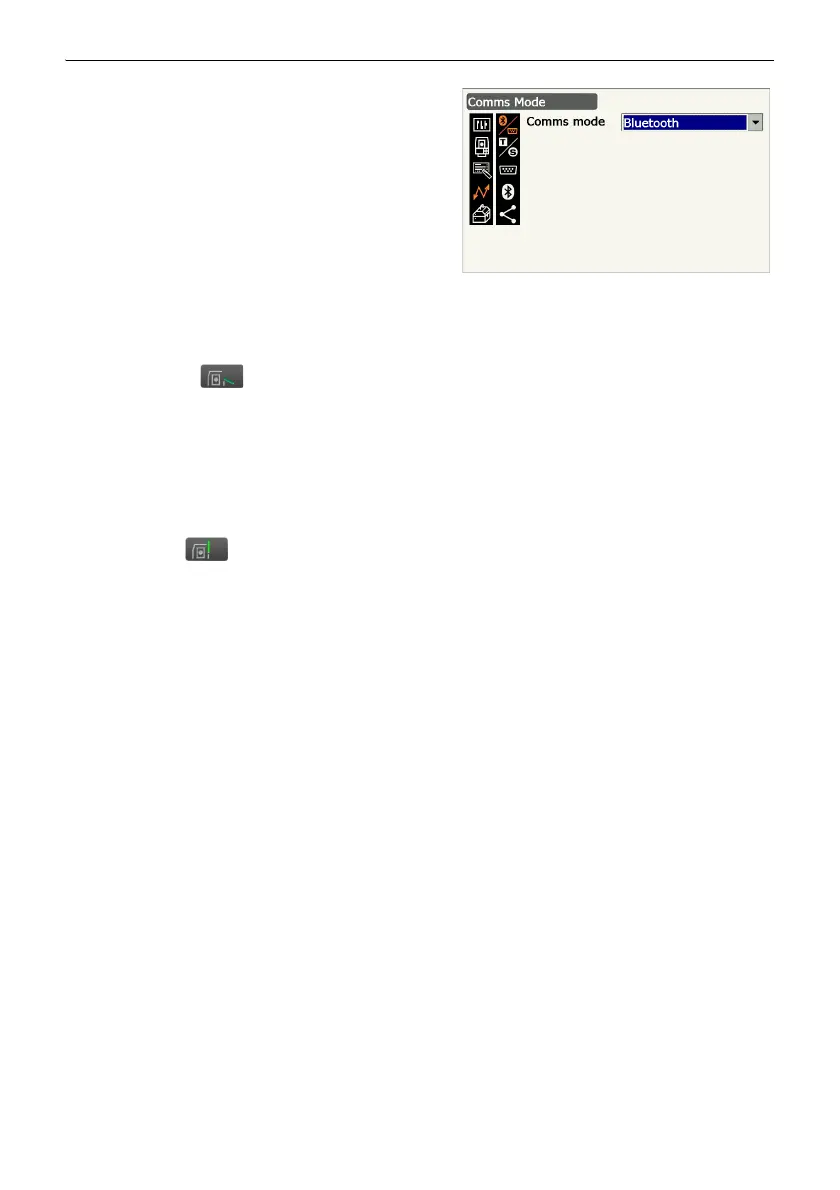
Set "Comms mode" to "Bluetooth".
• Changing communication settings during
Bluetooth communication will cancel the
connection.
2. The display returns to Meas mode and total
station enters "Waiting" mode.
• Check that the communication status icon
changed to .
The Remote Controller searches for the total
station wireless device and initiates a connection.
"7.2 Configuring Bluetooth Connections to
the Total Station"
3. When a connection has been successfully
established is displayed in the status
icon.
• ● COM1 on the Remote Controller control panel
is lit.
• "Press [Info] in <Bluetooth> to display the Bluetoo th device address.



 To Next Page