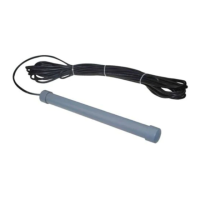
The BLACK wire of the wired keypad should be connected into the “COM” terminal (#8).
The BLUE wire of the wired keypad should be connected into the “ONE” terminal (#4).
The PURPLE wire of the wired keypad should be connected into the “COM” terminal (#1).
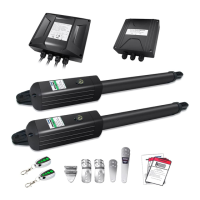
12. HomeLink Remote Control Kit (optional)
The “1” terminal should be connected into the “ONE” terminal (#4).
The “2” terminal should be connected into the “COM” terminal (#1).
The “DC+” terminal should be connected into the “+12V” terminal (#9).
The “DC-” terminal should be connected into the “COM” terminal (#8).
NOTE: Using of the photocell, exit wand, keypad and external receiver would cause the battery
exhausted quickly. Big capacity of batteries and big power of solar panel is required if you want to
use any one of them (If the batteries and solar panel is used as main power supply).
Setting of the Control Board
WARNING: Ensure the gate opener is Power Off when you make any adjustment of the gate
opener. Keep away from the path of the gate during you set the gate opener system in case of the
unexpected gate moving. Carefully adjust the DIP switches to avoid the risk of machine damage and
injury or death. Always ask the help of
professional technician /electrician if you have
any question.
1. DIP Switches
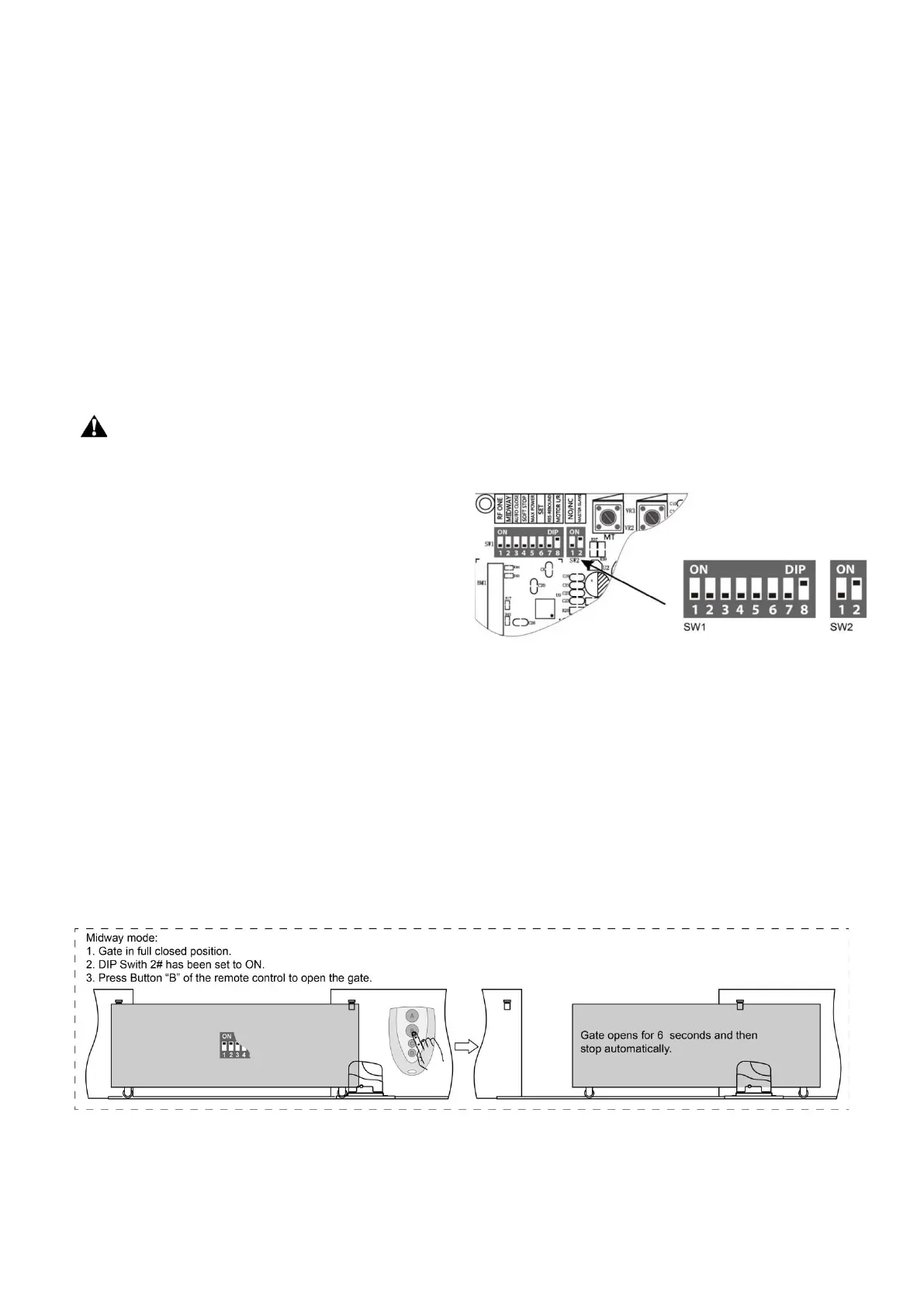
The DIP switches are used to enable/disable midway
mode, enable/disable auto close function,
enable/disable soft stop, enable/disable start with full
speed start, auto close time setting, stop/reverse in case of obstruction when closing, and fast change the
open direction which is determined by the position of the gate opener installed.
SW1:
DIP Switch #1: Reserved. No function.
DIP Switch#2: Enable/disable Midway Mode.
ON – Midway mode enabled
OFF –Midway mode disabled
NOTE: The midway mode function would be disabled if DIP switch#2 is turned off. The midway mode
could be activated by pressing button B of the remote control when the gate is in the full closed
position. The running time of the motor in Midway Mode is 6 seconds.
Factory default setting is OFF.
DIP Switch #3: Enable/disable Auto Close Function
ON – Auto close function enabled
OFF – Auto close function disabled



 To Next Page