14
Program the remote
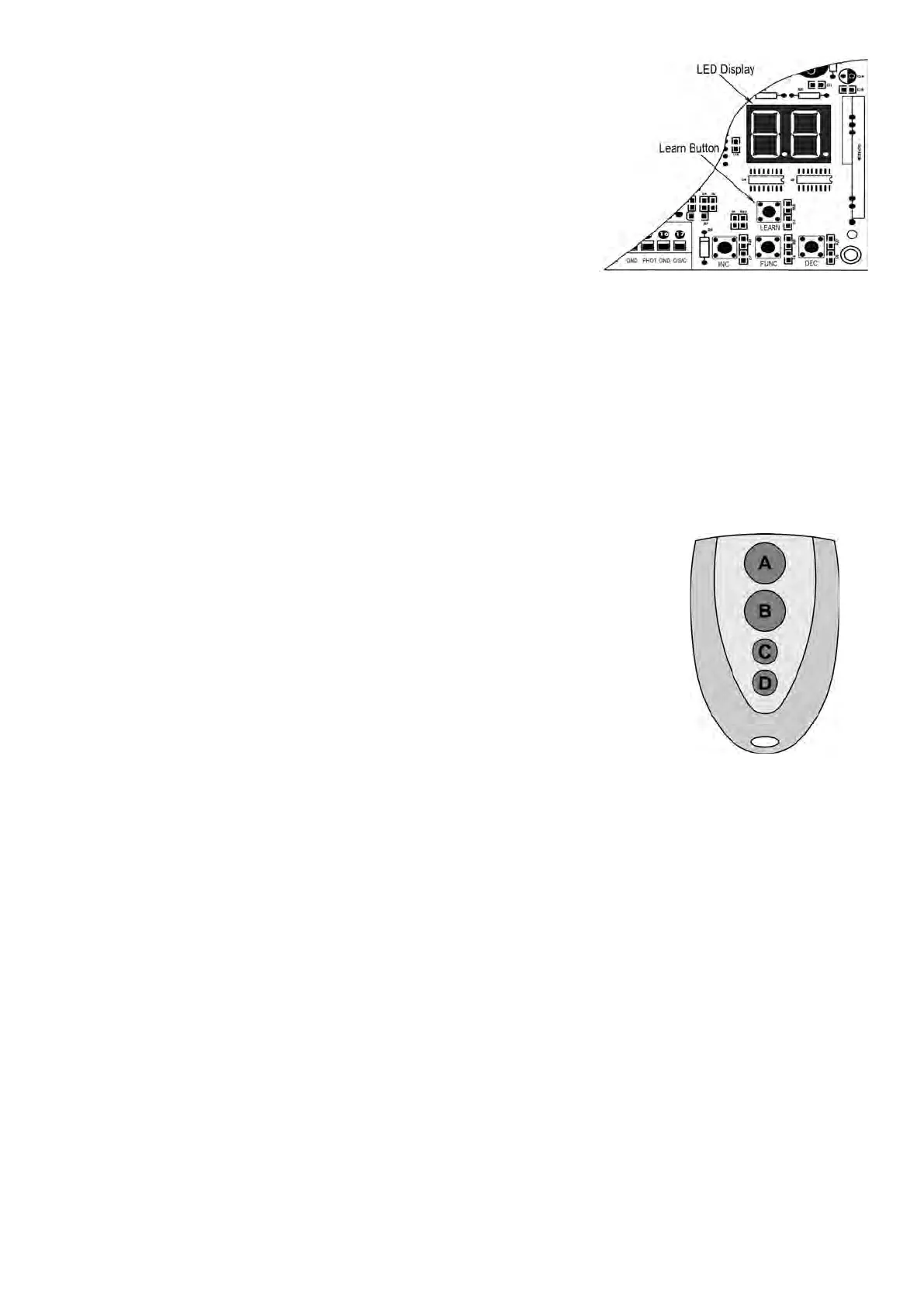
Press and release the learn button, the LED will display “Ln”, then press
the key in the remote twice in 2 seconds, the LED will flash “Ln” for 4
seconds then back to “- -”. Now the remote has been programed
successfully.
Erase all the remote codes
Press and hold the learn button until the LED display “dL”, release the
button and the LED will be back to “- -”. Now all remote codes have been erased.
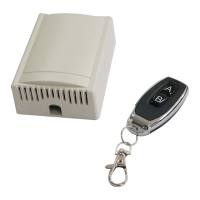
NOTE: Max. 8 remotes can be programmed for the opener. An External Receiver (optional) allows up to
250pcs remotes to be programmed for the opener. TOPENS ERM12 Universal External Receiver is
available at TOPENS Store.
TOPENS ERM12 Universal External Receiver is also compatible with other brand swing gate opener,
sliding gate opener and garage door opener.
How to Use the Remote to Operate Your Gate Opener
Each remote has four buttons, from top to bottom are separately A, B, C and D.
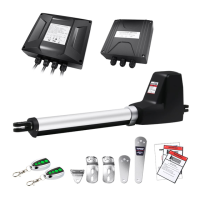
You may use this remote to operate as many as 4 sets TOPENS swing gate
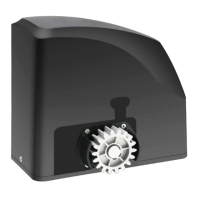
openers or 1 set TOPENS sliding gate opener and 2 sets TOPENS swing gate openers.
1. Use this remote to only operate TOPENS swing gate opener
A, B, C and D four buttons share same function once they are programmed with
TOPENS swing gate opener. You may choose any button to program it with our swing
gate opener. Every press of the button is able to active the gate opener to work
alternately (open-stop-close-stop-open).
2. Use one remote to operate TOPENS swing gate opener & sliding gate opener at the same time
All of TOPENS sliding gate opener have midway mode. Button B is designed to realize midway function (refer
to more details in our TOPENS sliding gate opener manual). So it is must program button A with sliding gate
opener, while you may program either C button or D button with TOPENS swing gate opener.
Wireless Keypad Programming
You can follow the below steps to program wireless keypad to the opener. Press the LEARN button until the
LED display “Ln”, and then release the button. Then press "OK" button on keypad and LED will flash “Ln” for 3
seconds and then back to “- -” which indicates the keypad has been programmed successfully. You can use the
default password “888888” to operate the opener after programming. You can press “PIN” “8 8 8 8 8 8” and then
press “OK” to confirm to operate the opener.
Also you can change the password of the keypad follow the below steps. Press “PIN” and then input the six
digits old password and then press “PIN” again, the LED will display “CH”. Input the six digits new password and
then press the “PIN” to confirm the new setting, LED will flash “CH” for 3 seconds and then back to “- -” which
indicates the password has been changed successfully. You can press “PIN” “6 digits new password” and then
press “OK” to confirm to operate the opener.


 To Next Page