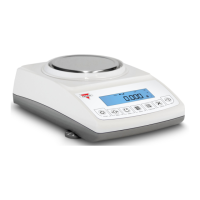
Instruction Manual - TORBAL AGC Series
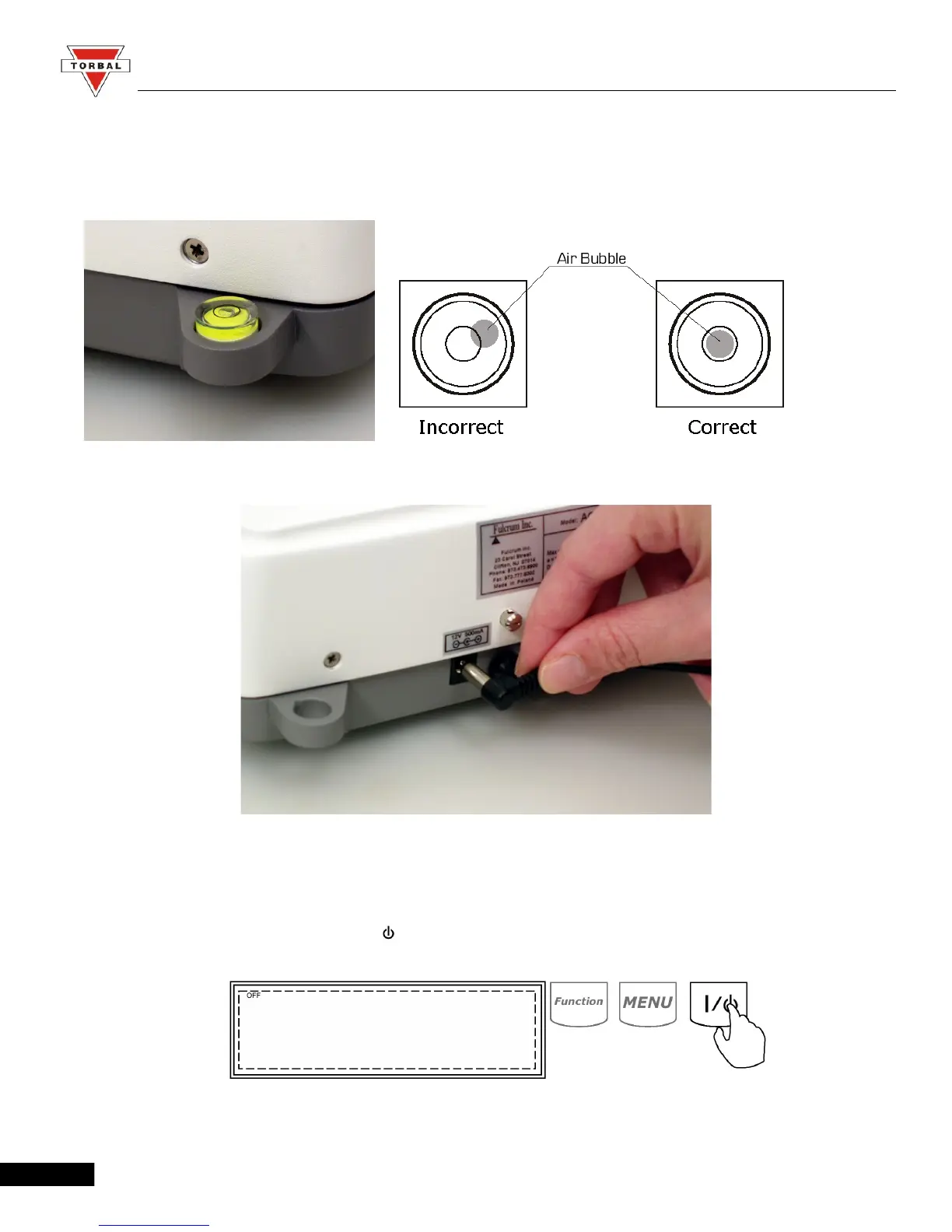
3. Once the pan has been installed, level the scale by adjusting the rear feet until the level indicator shows
the “air bubble” is in the center position of the sight glass. The level indicator is located on the rear left
side of the scale.
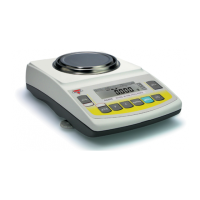
4. After leveling the scale, plug the AC adapter into the AC adapter socket on the rear of the scale.
5. When the AC adapter is plugged into the wall outlet, the scale will turn “ON” automatically, initialize
itself, perform automatic internal calibration and enter weighing mode.
6. To put the scale into standby mode, leave the AC adapter plugged into both the scale and the wall outlet
and press the power “OFF” button ( ). OFF will light up on the upper left corner of the display,
signaling the scale is in standby mode.
9


 To Next Page