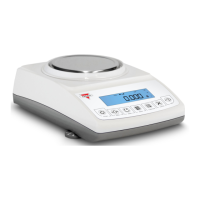
Instruction Manual - TORBAL AGC Series
6.1.3.Clearing a Tare
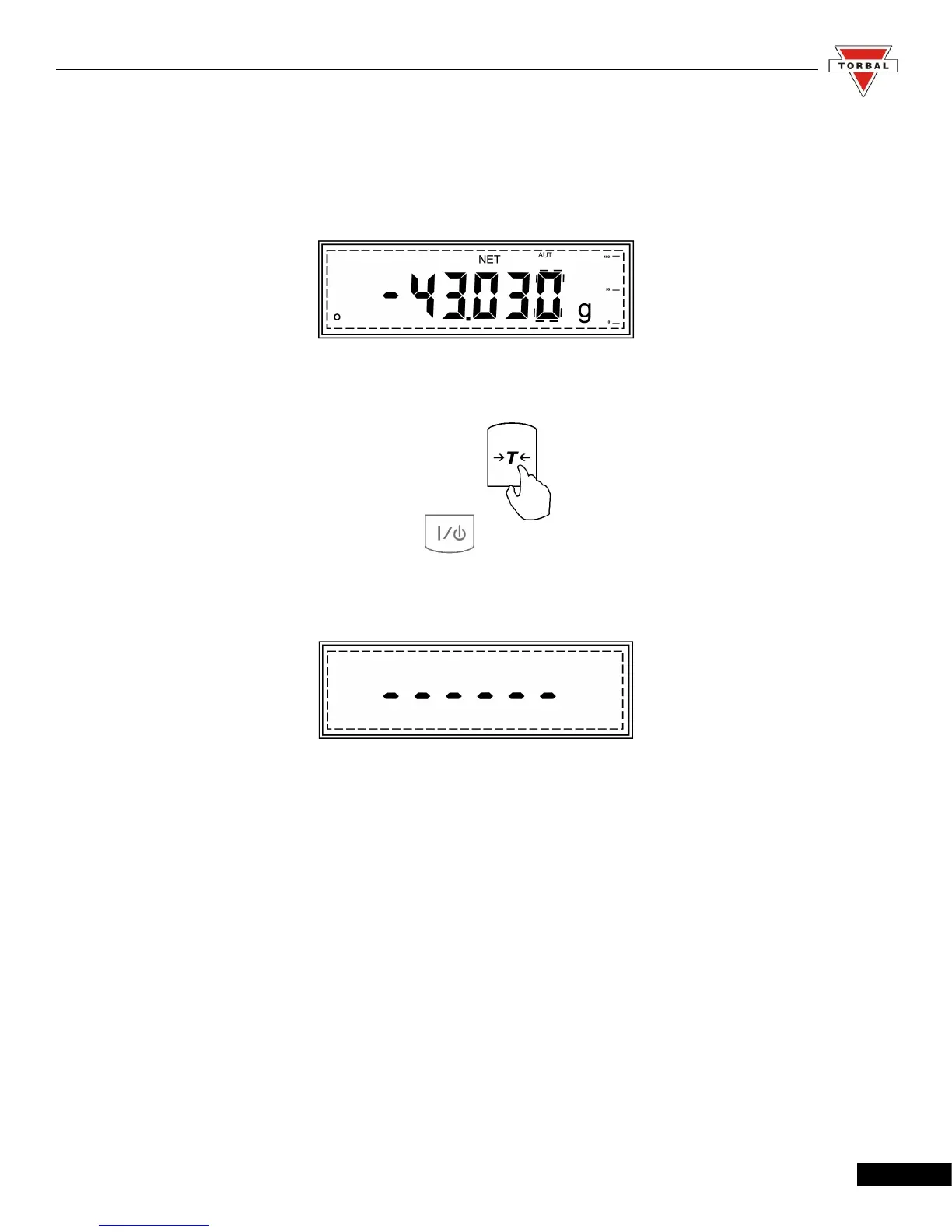
1. To clear the tare, remove the tared object along with the net weight from the pan. The scale will then
display a negative net tare result.
2. To clear the tare, press the “T” button.
3. The display will show dashed lines indicating the tare is clearing.
4. When it has finished clearing the tare, the scale will return to weighing mode.
12



 To Next Page