Instruction Manual - TORBAL AGC Series
7.1.5.GLP Print and Data Configuration
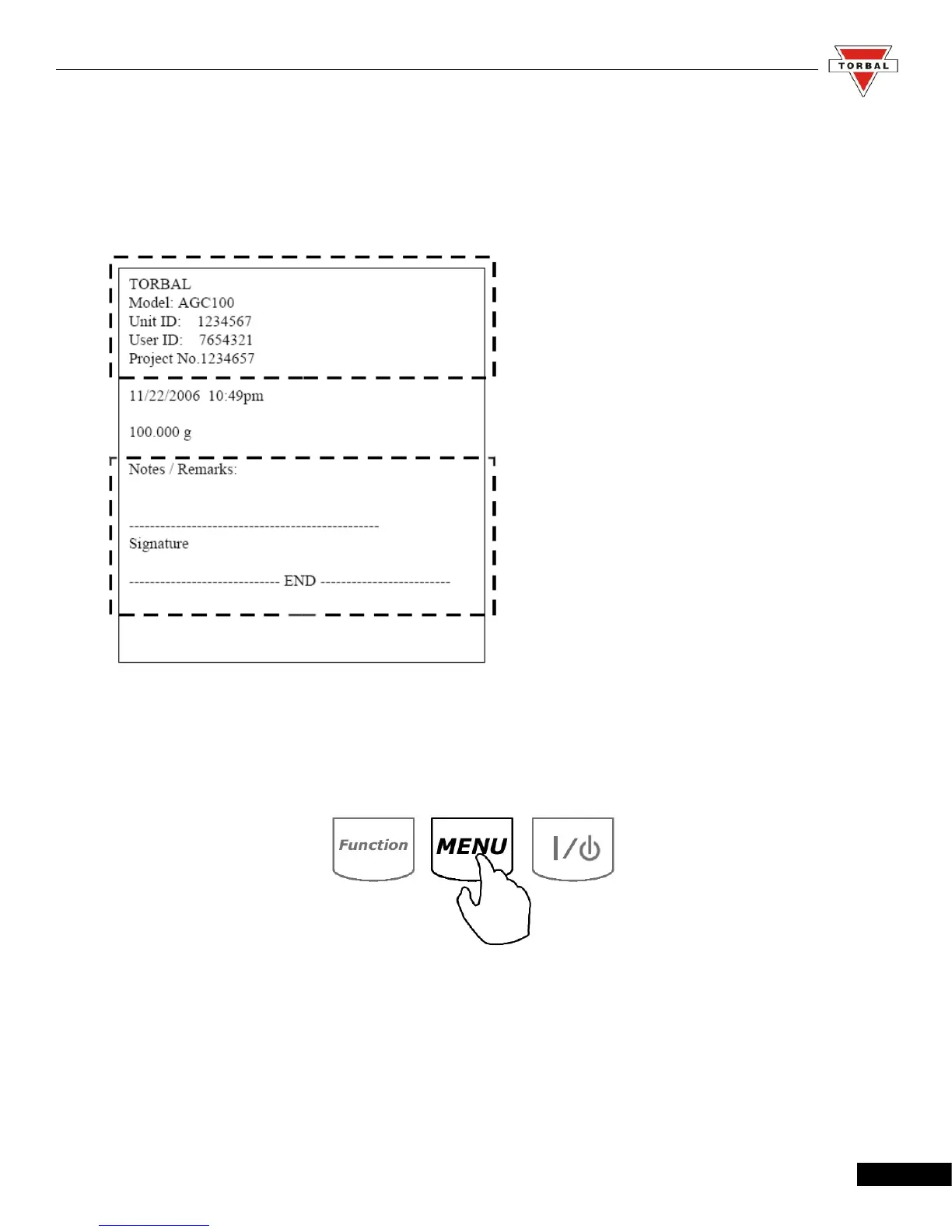
When enabled, GLP data will appear on every printed transaction receipt. The GLP printout
includes Model No., Unit ID, User ID, Project No., Notes / Remarks field, and a Signature field.
To enable and configure GLP data printing, follow the steps below:
1. Enter the Main Menu by pressing the “MENU” key.
38



 To Next Page