Instruction Manual - TORBAL AGC Series
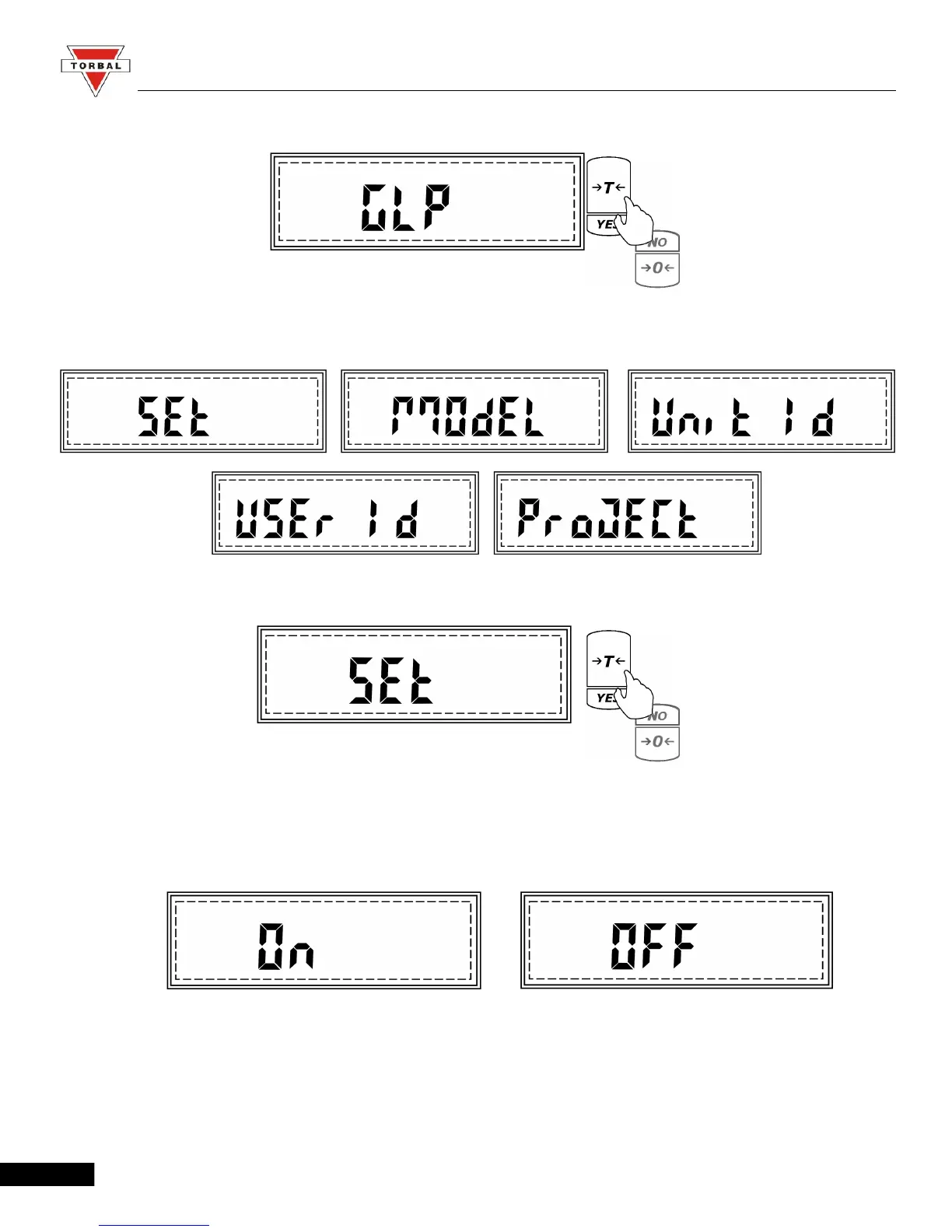
2. When command GLP is displayed press the “T” (YES) key.
3. Commands Set, Model, Unit ID, User ID, and Project ID will begin to scroll.
4. To enable or disable GLP press the “T” (YES) key when command SET is displayed.
5. Commands ON and OFF will be displayed. To enable GLP press “T” (YES) when ON is
displayed, to disable GLP press “T”(YES) when OFF is displayed.
39



 To Next Page