Instruction Manual - TORBAL AGC Series
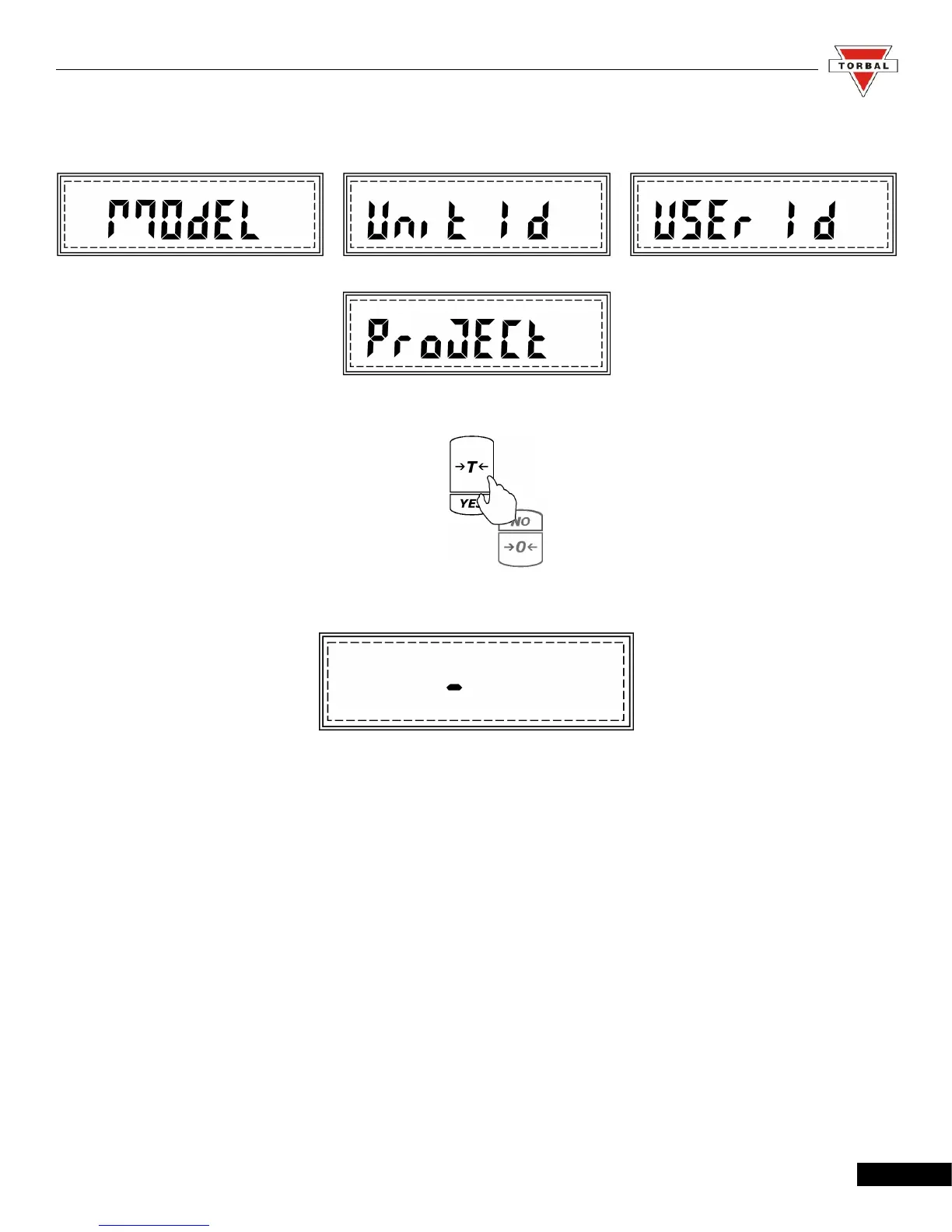
6. Once enabled, GLP options will begin to scroll on the display: Model No., Unit ID, User ID, and
Project No.
7. Press “T” (YES) when the desired option is displayed.
8. A minus sign will be displayed, indicating you may assign a new ID or project number.
Note: ID numbers can consist of up to six digits long.
40



 To Next Page