Instruction Manual - TORBAL AGC Series
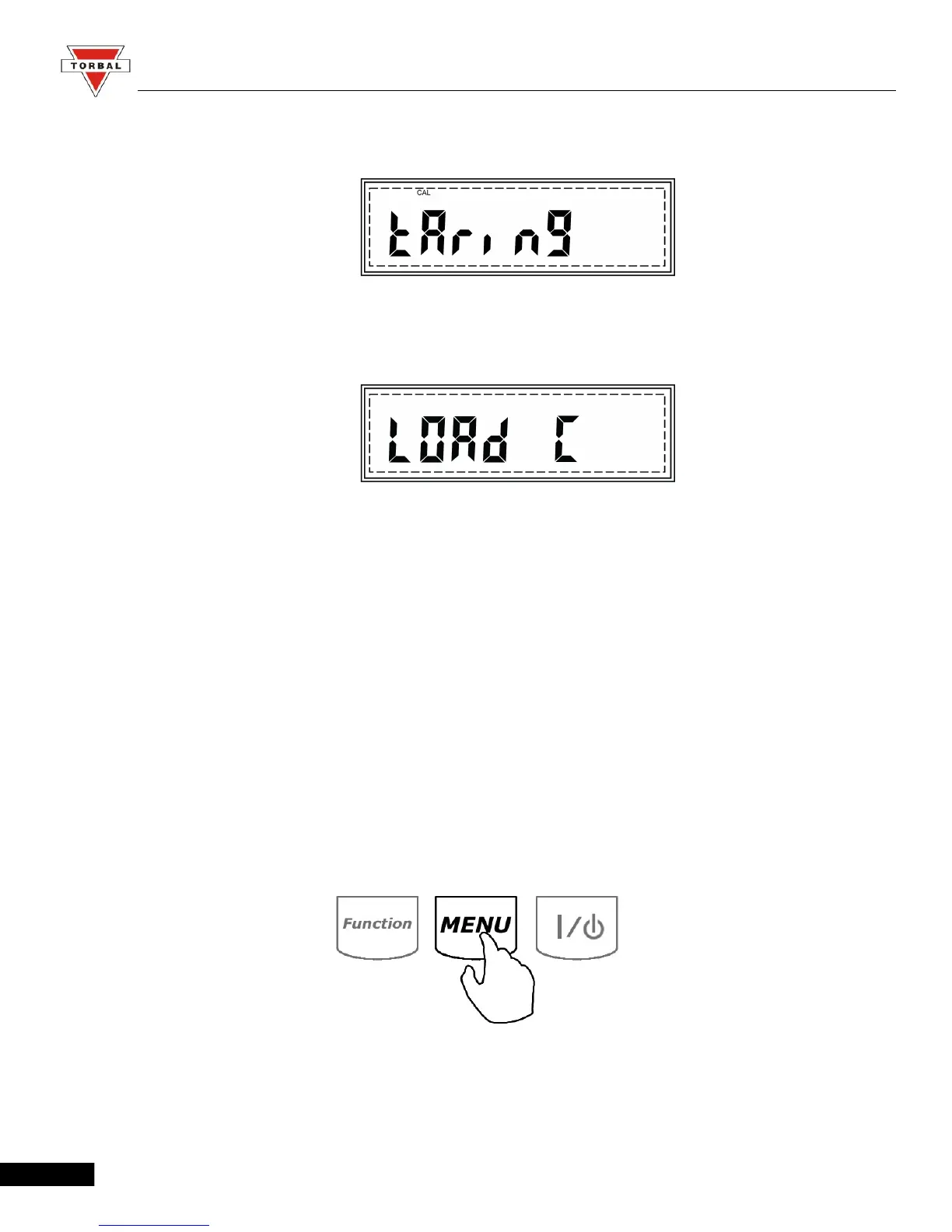
5. Before calibration begins, the scale will perform automatic tare. TARING will be displayed during
auto tare.
6. Once the scale tares, command “LOAD C” will be displayed, followed by “C” indicating that
automatic calibration is in progress.
7. Calibration can last from 30 to 50 seconds, when it is finished the scale will automatically return to
the weighing mode.
7.1.1.2. Setup (Calibration Setup)
To enter the automatic calibration setup menu, follow the steps below:
1. Press “Menu” to enter the Main Menu
15



 To Next Page