Instruction Manual - TORBAL AGC Series
(D) Display Hold
The Display Hold function is used to retain a weighing result static on the LCD display after it
has stabilized. To use the Display Hold function follow the steps below.
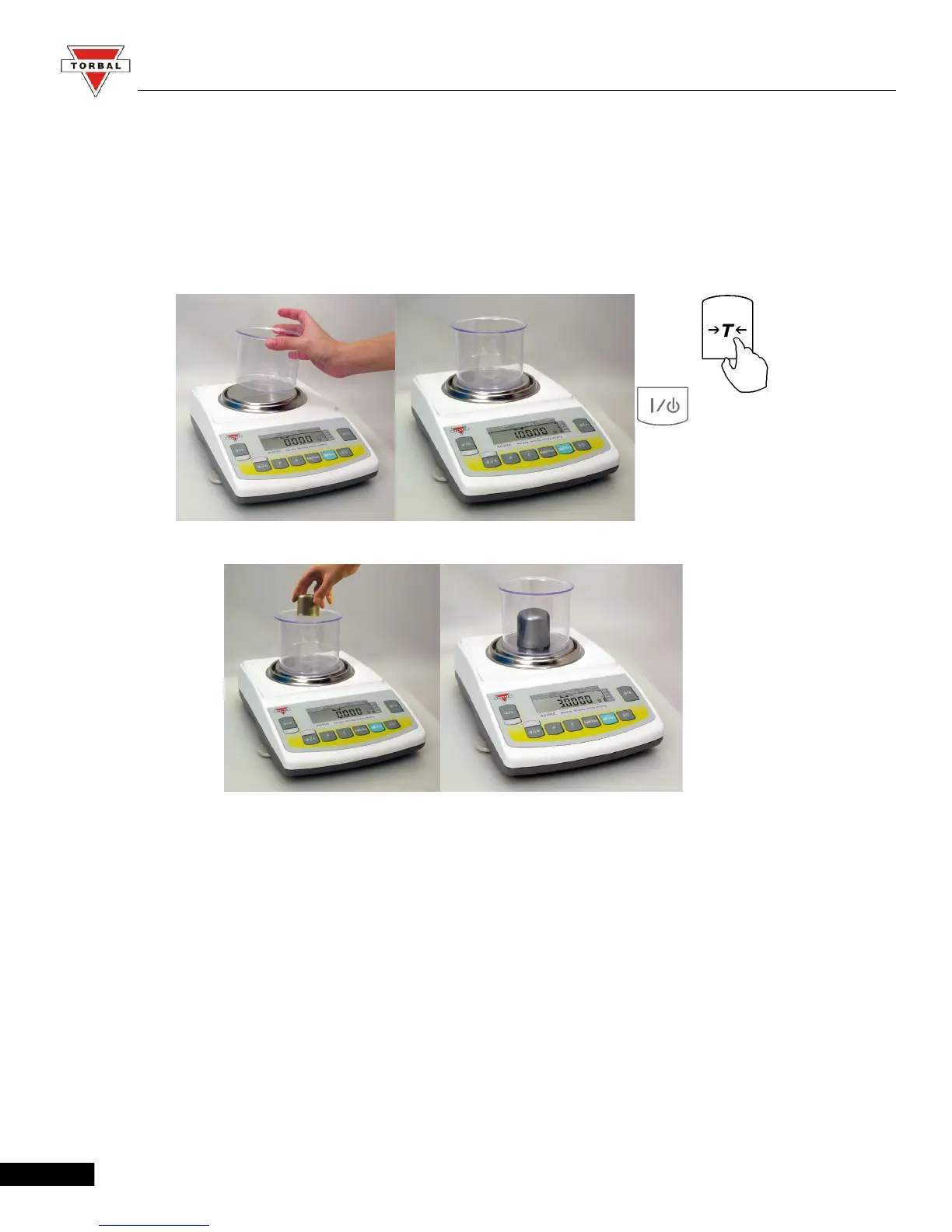
1. Place an empty container on the pan and press “T” to tare.
2. After taring the container, place the weight on the pan.
63



 To Next Page