Instruction Manual - TORBAL AGC Series
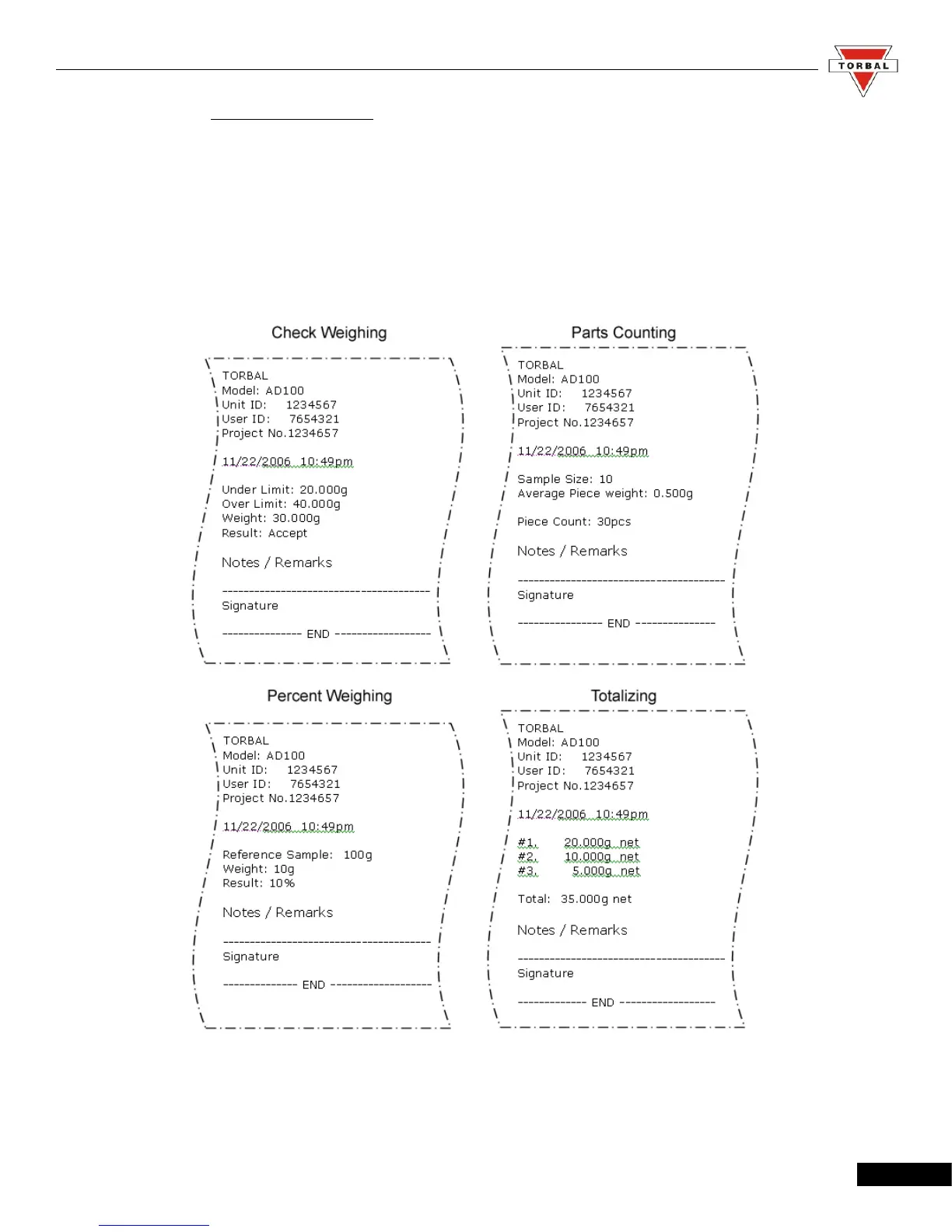
7.1.6.3. Printout Receipts
After completing a weighing transaction, result data receipt may be printed. To initiate
printing, wait for the weighing result to stabilize and press the “P” key.
Note: Examples below include GLP data. For more on GLP printing, turn to Section 7.1.5
46



 To Next Page