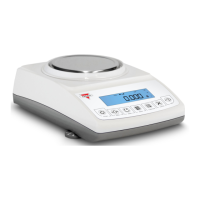
Instruction Manual - TORBAL AGC Series
7.1.6.Printing Data and RS232 Communication Port Configurations
The printing function is used to print data via the RS232 port. Data may be printed via a printer
or sent to a PC via the TORBAL Communication software.
7.1.6.1. Baud and Parity
To configure the scale’s RS232 port for printing or to create a PC connection follow the steps below:
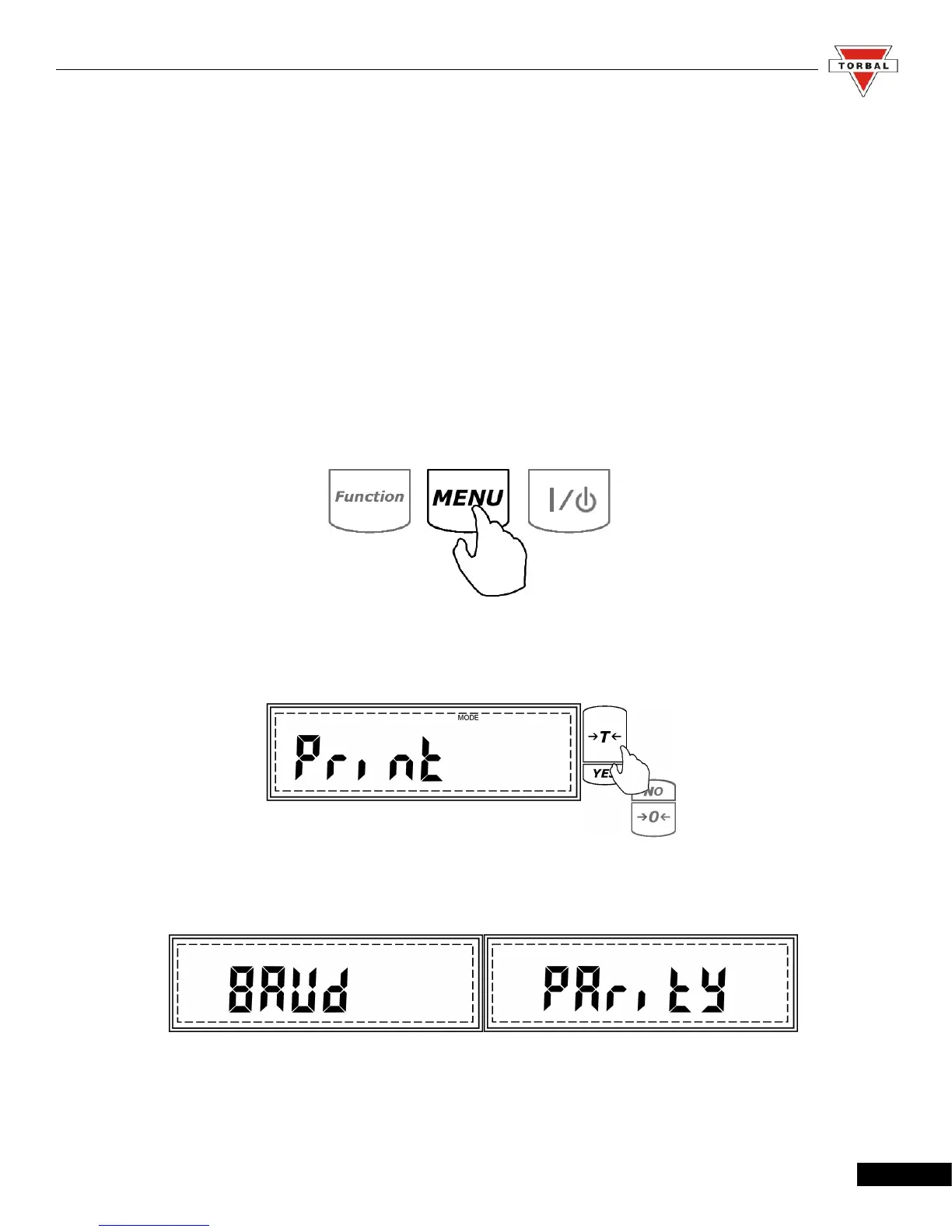
1. Enter the Main Menu by pressing the “MENU” key.
2. When Print is displayed press the “T” (YES) key.
3. Baud and Parity will display.
42



 To Next Page