Instruction Manual - TORBAL AGC Series
5. When the desired setting is displayed press the “Function” key to accept and save the selection.
The scale will return to the Calibration Menu. To exit the Menu, press the C key.
7.1.2. Units of Measure Selection
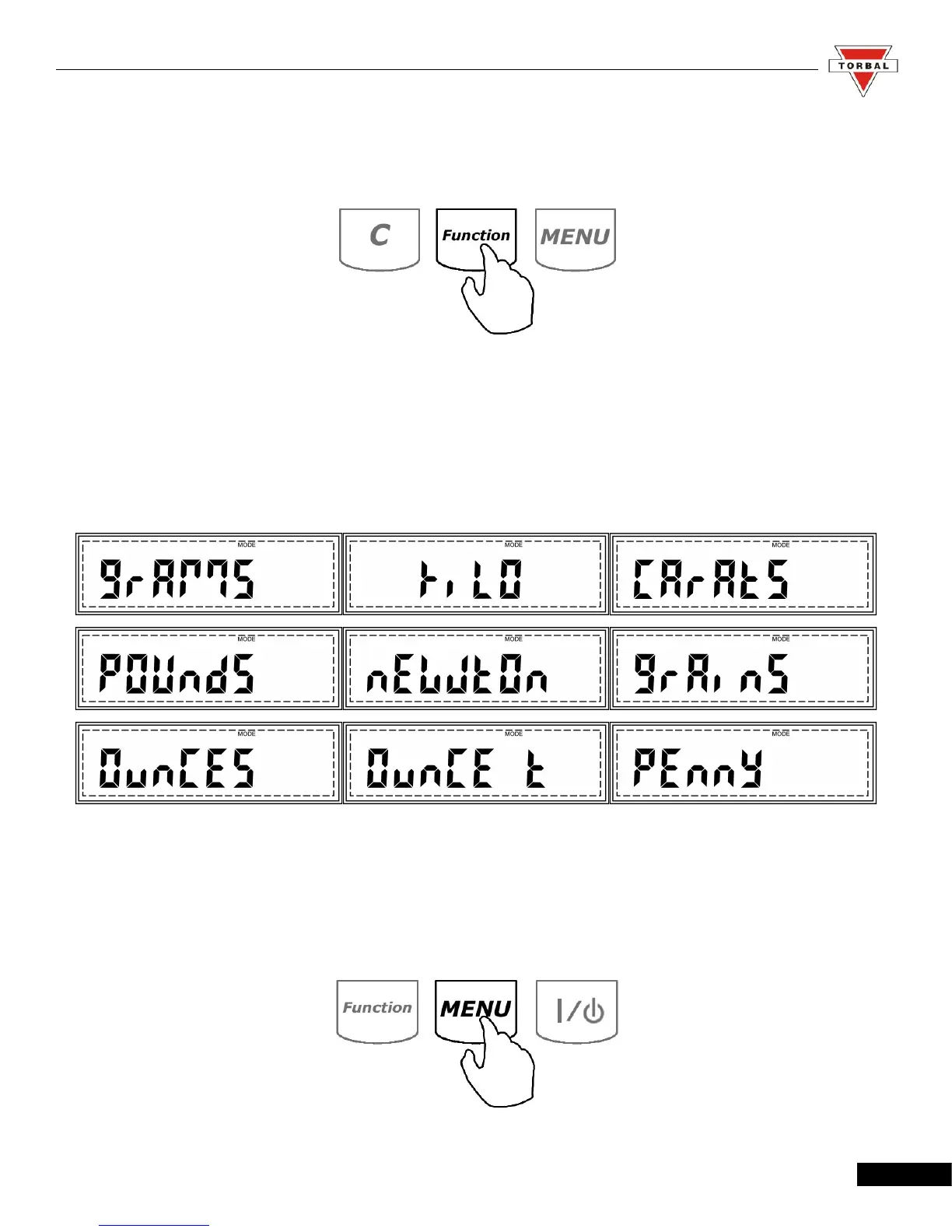
TORBAL AGC series scales can operate in nine different units of measure: grams (g),
kilograms (kg), carats (ct), pounds (lb), Newton (n), grains (gn), ounces (oz), ounces troy (oz-t), and
pennyweights (dwt).
By factory default the scale is set to weigh in grams (g). To select a different unit, follow the
steps below.
1. Enter the Main Menu by pressing the “MENU” key.
22



 To Next Page