Instruction Manual - TORBAL AGC Series
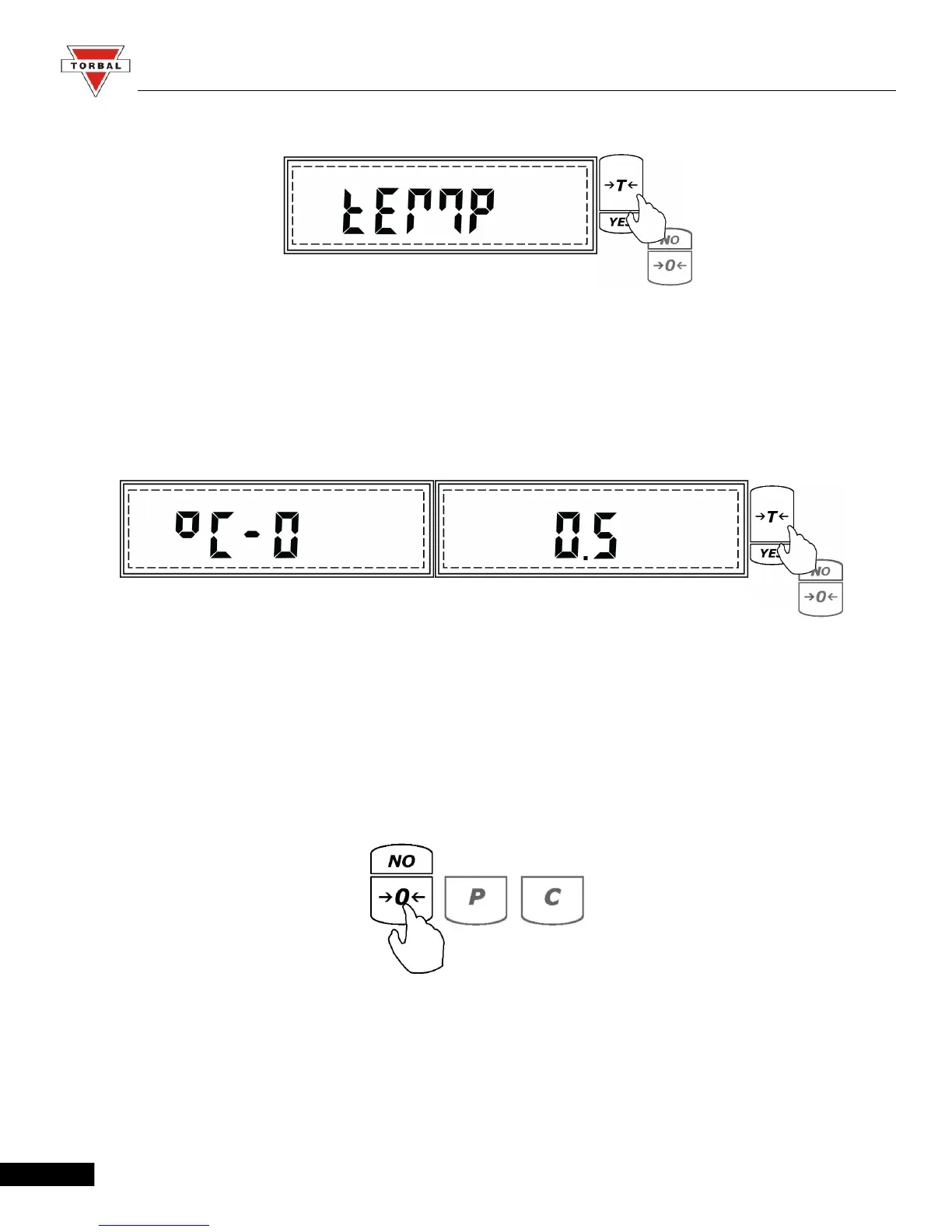
1. Press the “T” (YES) key when “TEMP” is displayed in the calibration setup menu.
2. “°C - 0” and the current temperature interval setting will begin to scroll on the display
sequentially. To disable temperature interval calibration press the “T” (YES) key when “°C - 0”
is displayed. To enable temperature calibration press the “T” (YES) key when the temperature
setting is displayed.
To Disable To Enable
3. The temperature interval can be set to 0.5°C, 1.0 °C, 1.5 °C, 2.0 °C (i.e. if set to 2.0 °C,
calibration will be performed every time the temperature changes by 2.0 °C).
4. To set a calibration temperature interval press the 0 (NO) key until the desired setting is
displayed.
21



 To Next Page