Instruction Manual - TORBAL AGC Series
7.1.6.2. Torbal Printer Configuration (RXP-4))
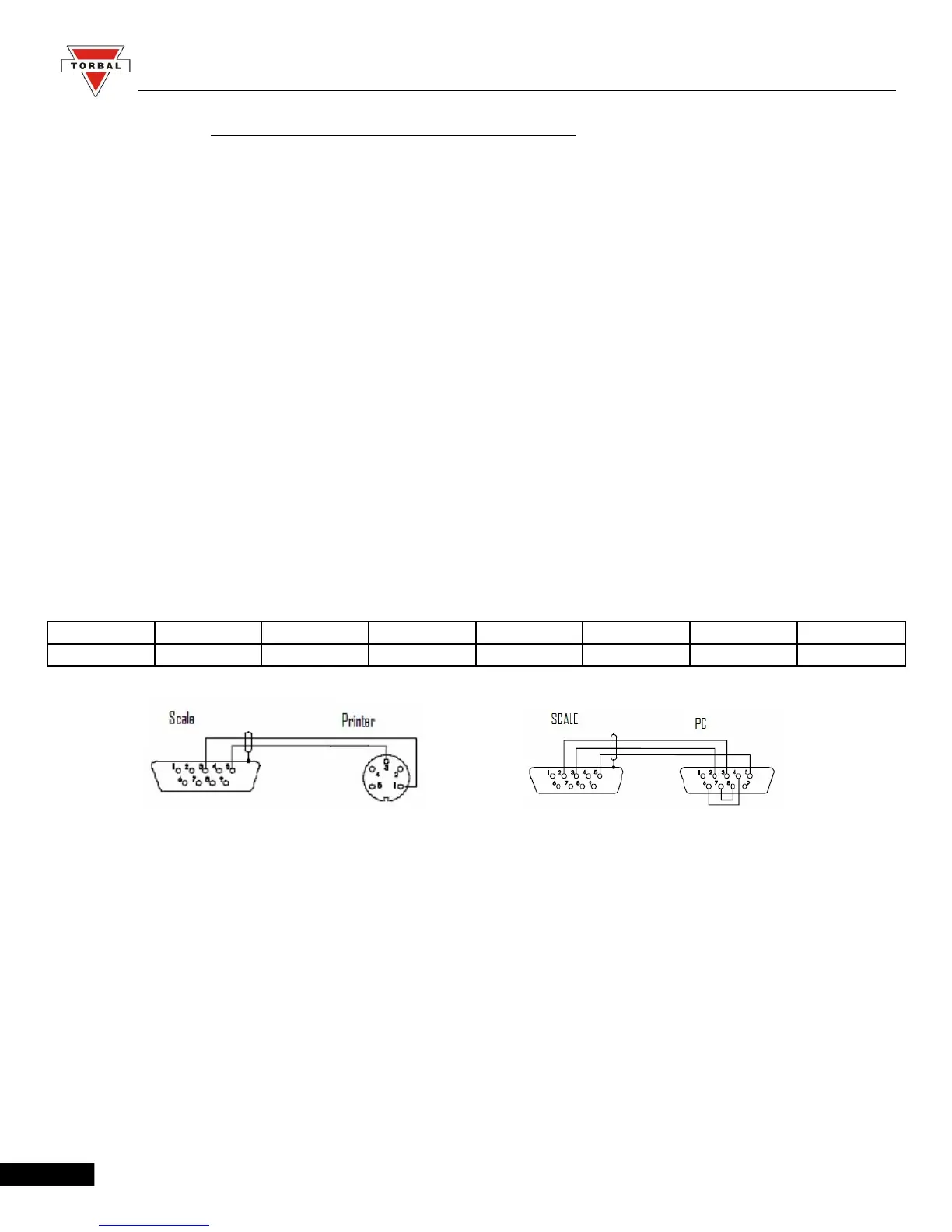
To connect the AGC scale to a TORBAL (RXP-4) printer, use the following settings:
Scale settings (follow steps detailed in Section 9.1.1):
Baud Rate: 9600
Parity: None
Printer Settings (Follow the steps detailed in the RXP-4 Instruction Manual):
Baud Rate: 9600
Data: 8 bits
Parity: None / Ignore
Column Printing: 40
SW-1 SW-2 SW-3 SW-4 SW-5 SW-6 SW-7 SW-8
OFF OFF ON ON ON OFF OFF OFF
45



 To Next Page