Instruction Manual - TORBAL AGC Series
7.1.4.Automatic Zero Setting Mechanism (AZSM)
All AGC scales are equipped with AZSM, the “Auto Zero Setting Mechanism.” AZSM
automatically maintains a “center of zero” condition within +/- 6d (i.e. 6 mg on scales with 0.001
readability). To enable or disable AZSM follow the steps below.
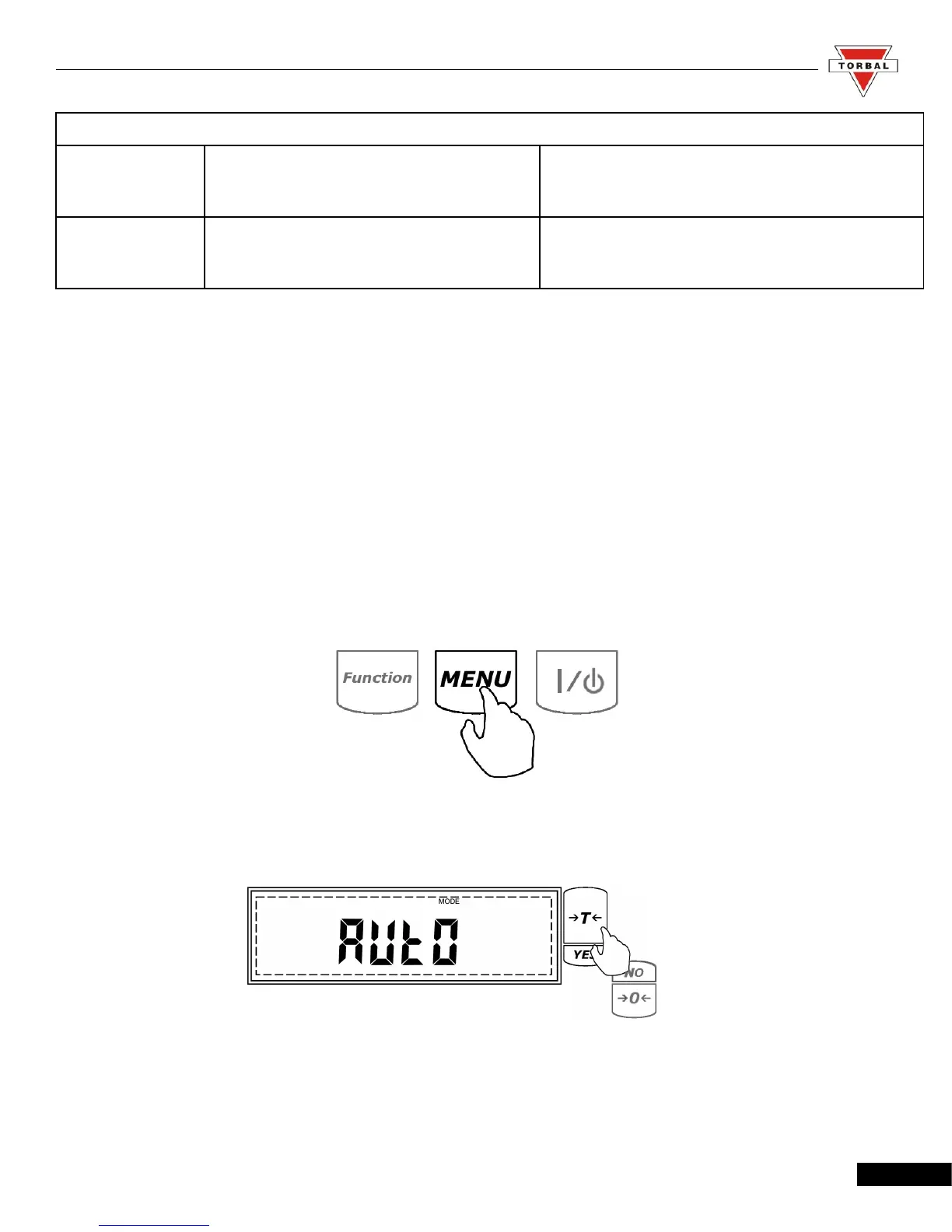
1. Enter the Main Menu by pressing the “MENU” key.
2. When command AUTO is displayed press the “T” (YES) key.
36
Table 7.1.3.F: Totalizing Operating Modes
Automatic Totalizing and Adding: Automatic
When set to Automatic, the scale will automatically
add the first stable weight reading to the total.
Manual Totalizing and Adding: Manual
When set to Manual each weigh has to be manually
added to the total by pressing a designated key.



 To Next Page