Instruction Manual - TORBAL AGC Series
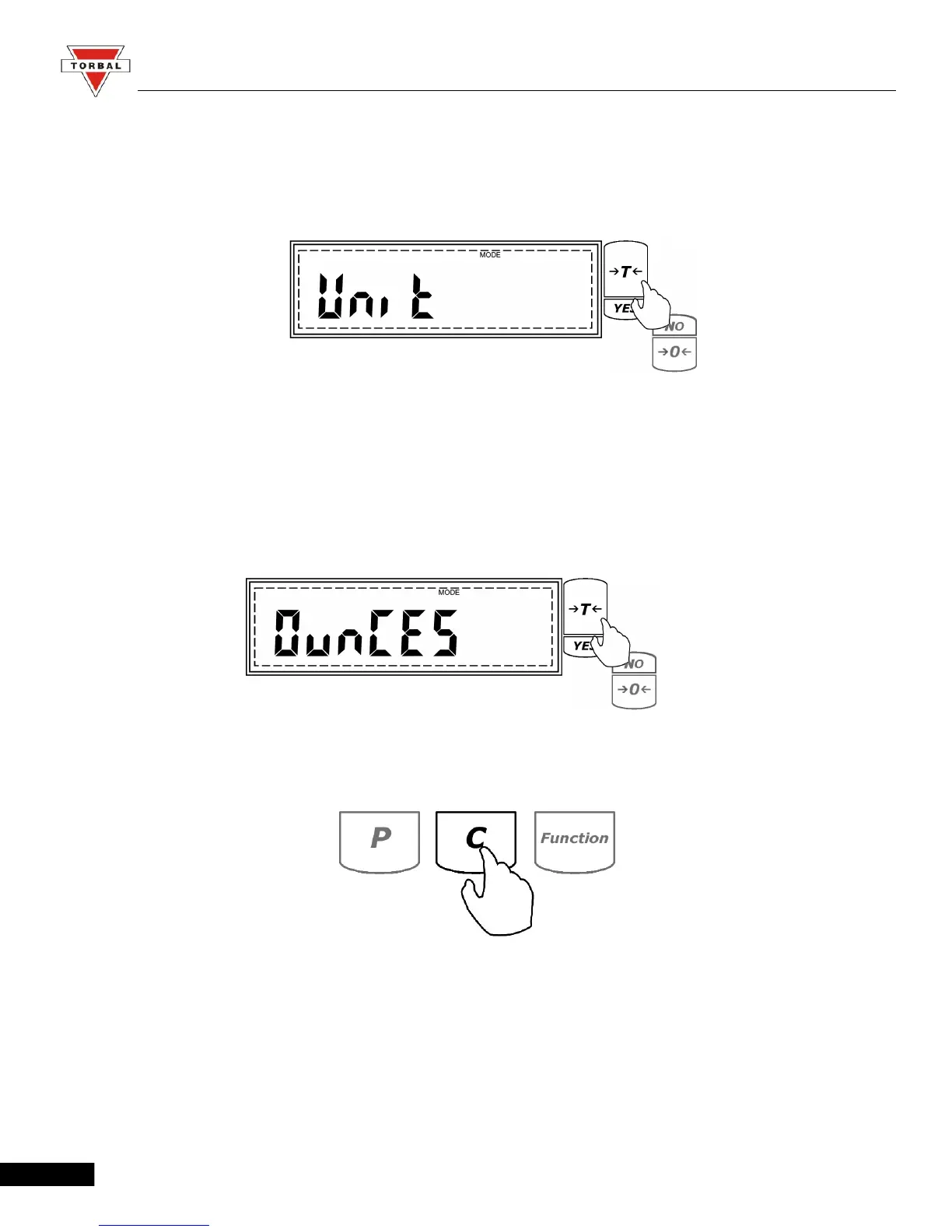
2. When command UNIT is displayed press the “T” (Yes) key.
3. The scale will display available units of measure sequentially. When the desired unit is displayed,
press the “T” (Yes) key to make the selection.
Example (Selecting Ounces)
4. To exit the Main Menu, use the “C” key.
23



 To Next Page