Instruction Manual - TORBAL AGC Series
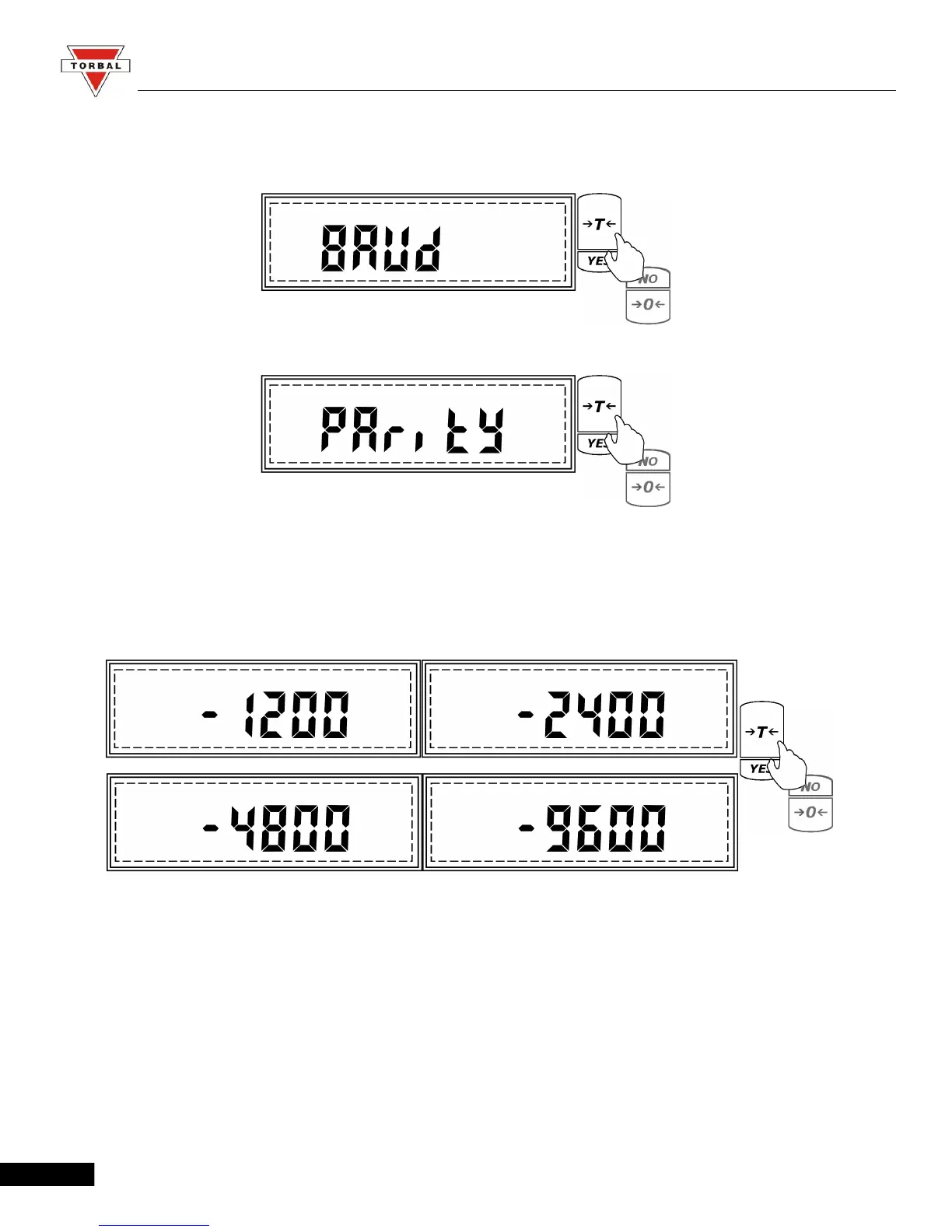
4. To configure the Baud rate settings press the “T” key when Baud is displayed. To configure the
Parity setting press “T” key when Parity is displayed.
5. After pressing “T” when Baud is displayed, the scale will display available baud rates: 1200,
2400, 4800, and 9600. To make a selection press “T” (Yes) when the desired setting is displayed.
43



 To Next Page