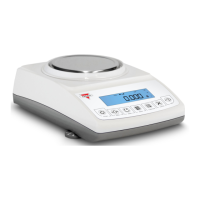
Instruction Manual - TORBAL AGC Series
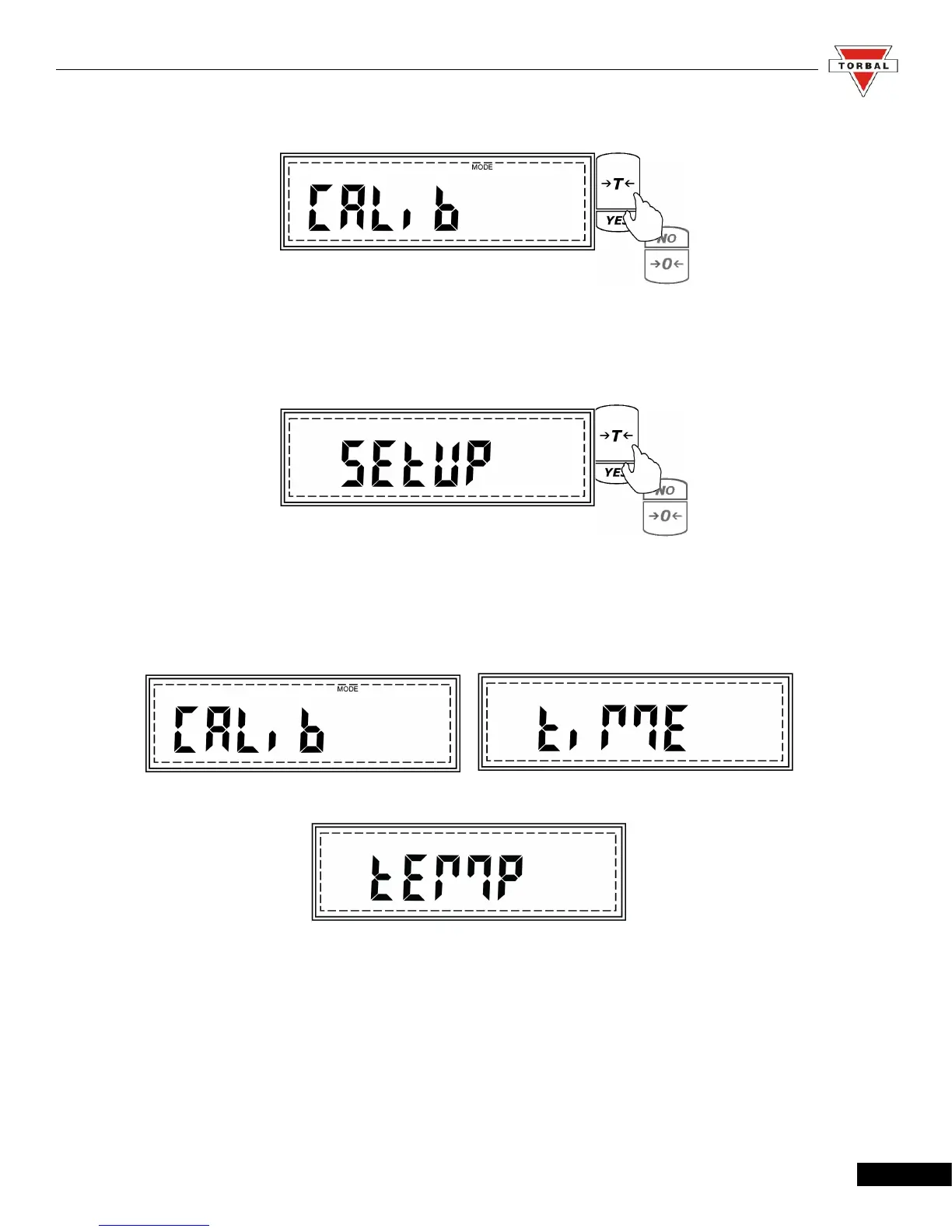
2. When CALIB is displayed, press “T” (YES).
3. The scale will display commands Start and Setup sequentially. Press , “T” , when Setup is
displayed.
4. Commands CALIB (Calibration Adjustment), TIME (Time Configuration), and TEMP
(Temperature Configuration) will begin to scroll sequentially.
16



 To Next Page