Instruction Manual - TORBAL AGC Series
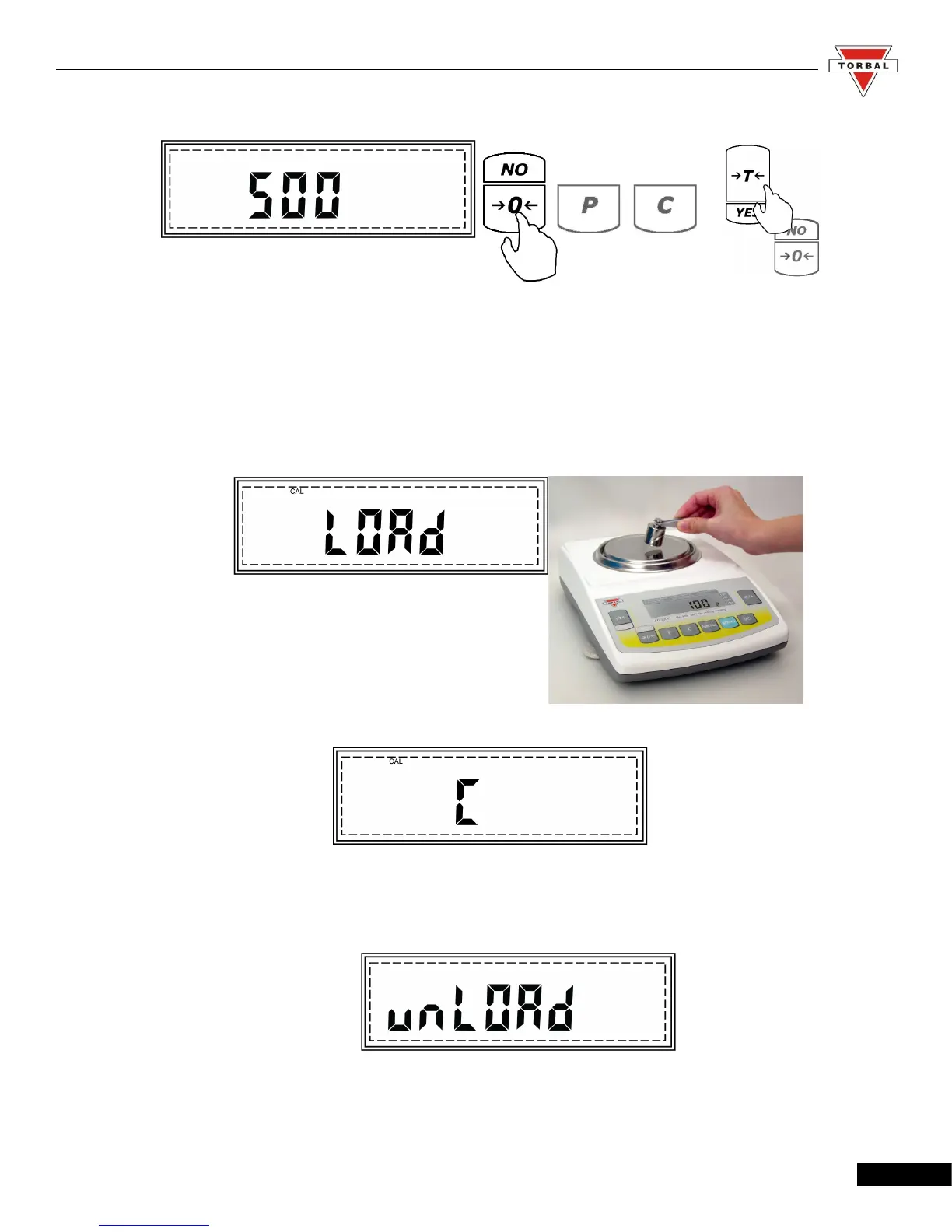
To Change To Accept
5. Command LOAD will be displayed. At any time during the LOAD command, place a single
calibration weight in the middle of the pan.
6. Command “C” will be displayed indicating that the scale is recording a new calibration mass value.
7. Once the new calibration value is stored the command “UNLOAD” will be displayed indicating to
remove the calibration weight from the pan.
18



 To Next Page