Instruction Manual - TORBAL AGC Series
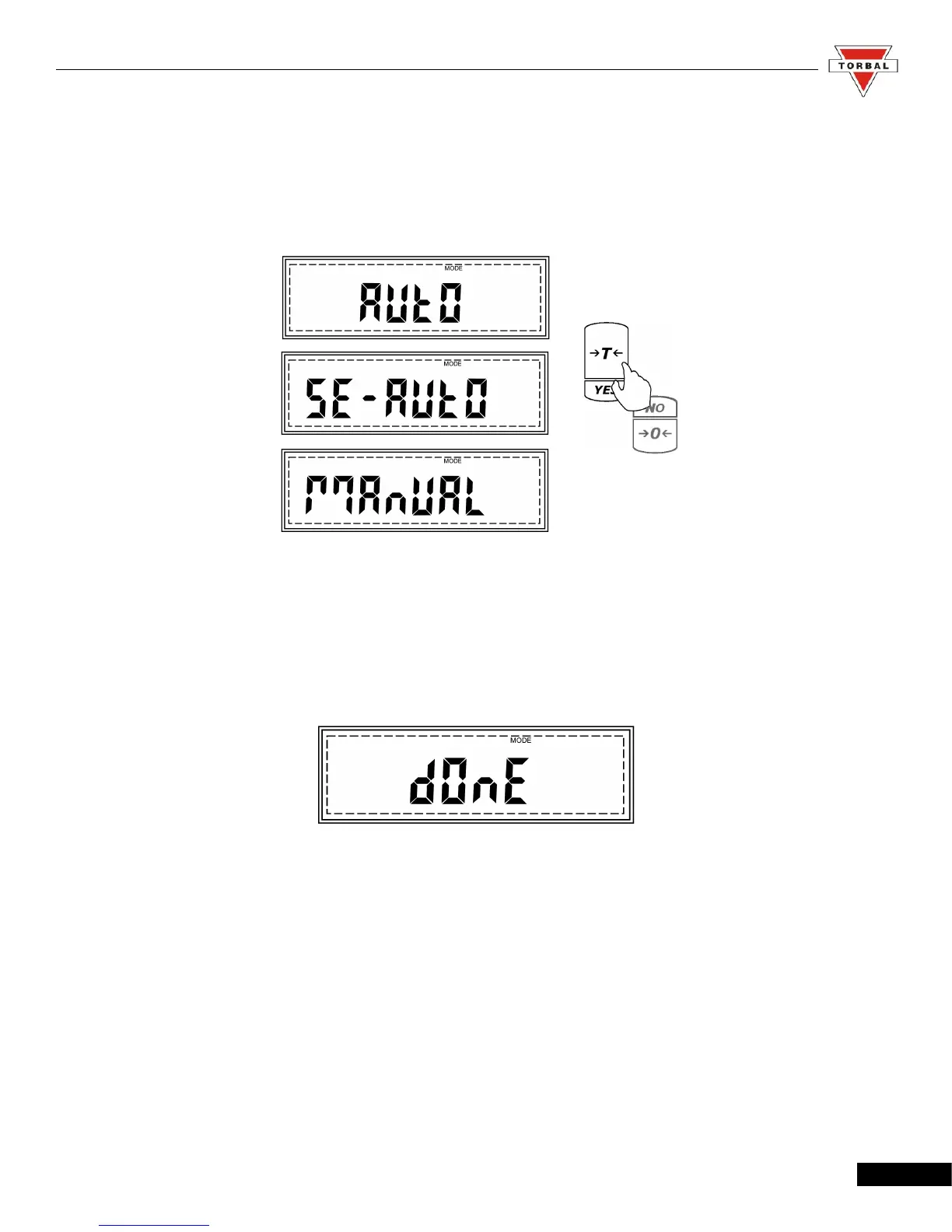
3. Display hold can operate in three different operating modes: automatic, semi-automatic and
manual (see table 7.1.3.D). The operating modes will scroll once the function is enabled. To
select a desired operating mode for display hold, press the “T” (YES) key while the mode is
displayed. To enable automatic display hold press “T” (YES) while AUTO is displayed.
4. After enabling the display hold function, DONE will be displayed, indicating that the function has
been configured and it is ready to use. To use the function follow the directions in Chapter 8. To exit
the mode menu,, use the “C” key
32



 To Next Page