Instruction Manual - TORBAL AGC Series
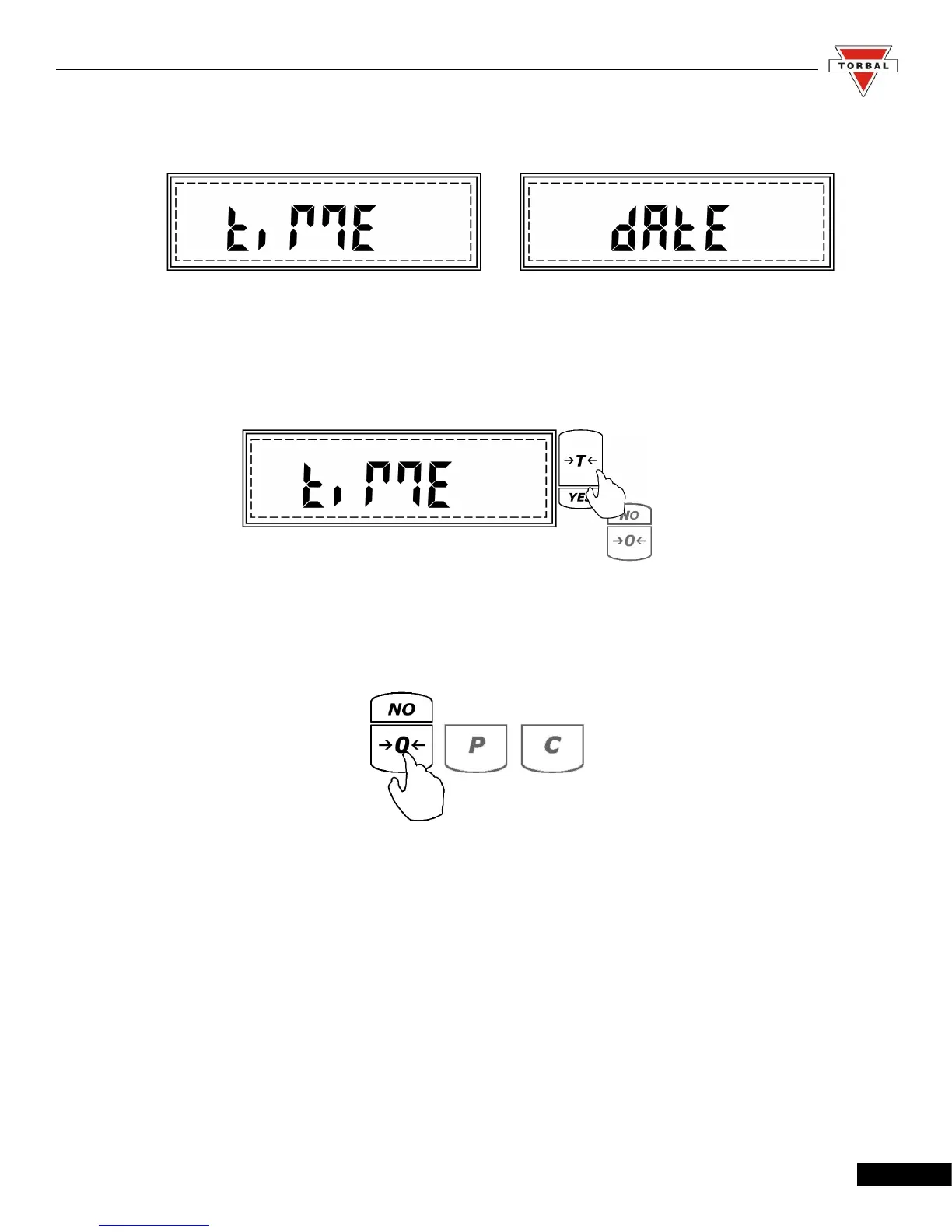
3. Commands Time and Date will flash.
Time:
1. To set the time press the “T” (YES) key when Time is displayed.
2. The current time setting will be displayed. To adjust the time press the 0 (NO) key.
3. A and P will flash. To set AM press the “T” (YES) key when A is displayed, to set PM press the
“T” (YES) key when P is displayed.
4. After making the selection, minutes will scroll. When the desired number is displayed, press the
“T” (YES) key to accept and move to the next digit. Follow this sequence until the desired time
is set. After setting the last digit of the hour, the time will be automatically saved.
48



 To Next Page