Instruction Manual - TORBAL AGC Series
4. After the scale has been tared, Steps 1 through 3 can be repeated to add more weighing results to
the grand total.
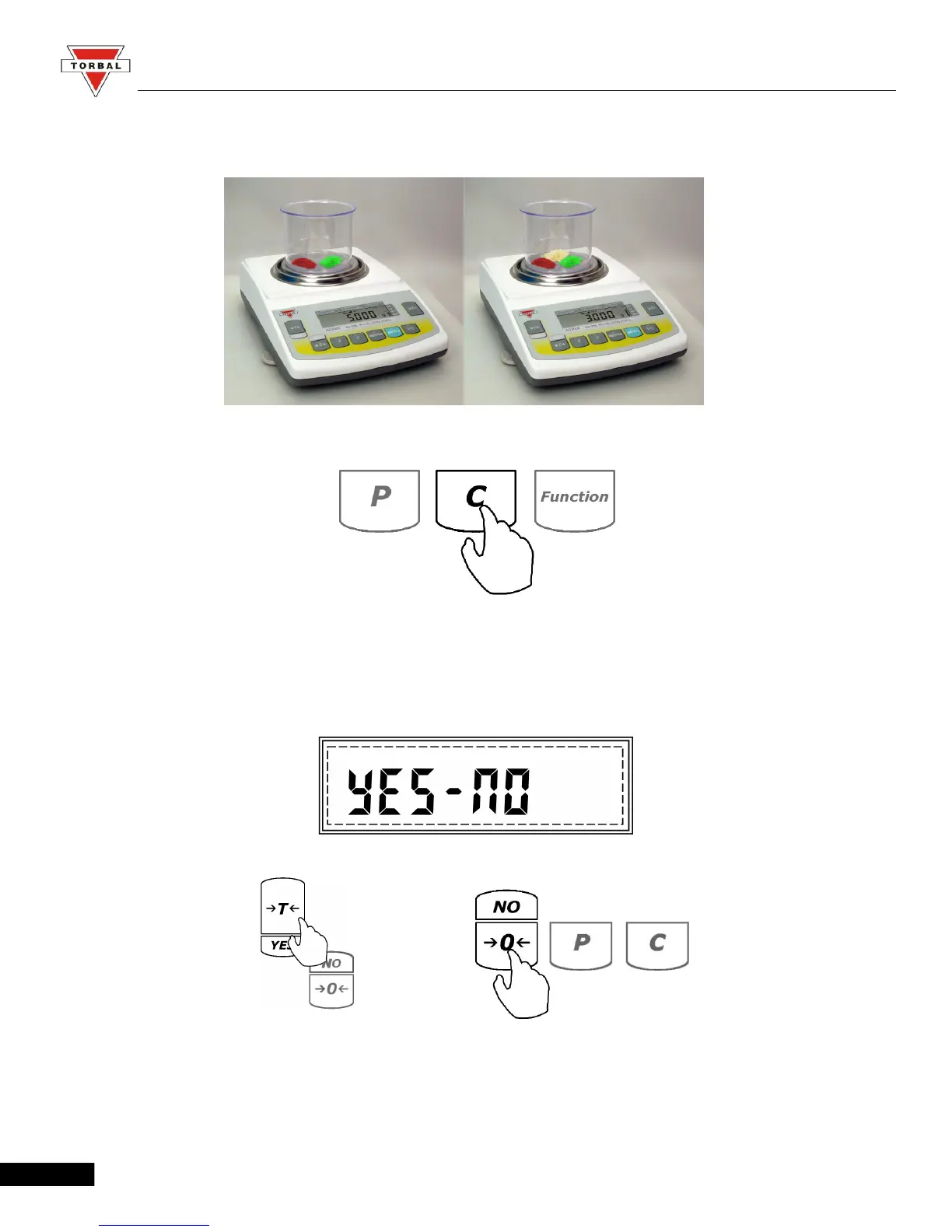
5. To clear the grand total and reset the function press the “C” key.
6. Once “C” has been pressed, the command YES-NO will be displayed, asking to confirm clearing
of the function. To abort the clearing the function press the 0 (NO) key. To clear the
function press the “T” (YES) key (all data will be lost).
To clear To continue
To exit totalizing and switch to a different function, press “C” to clear the current function and
then press the “Function” key to select a different function (follow Steps 1 through 3 from Chapter 8 on
page 50).
71



 To Next Page