22 Instructions for Use TORMAX 1102, 1201 T-1661 e
Item To Be Checked Procedure Result
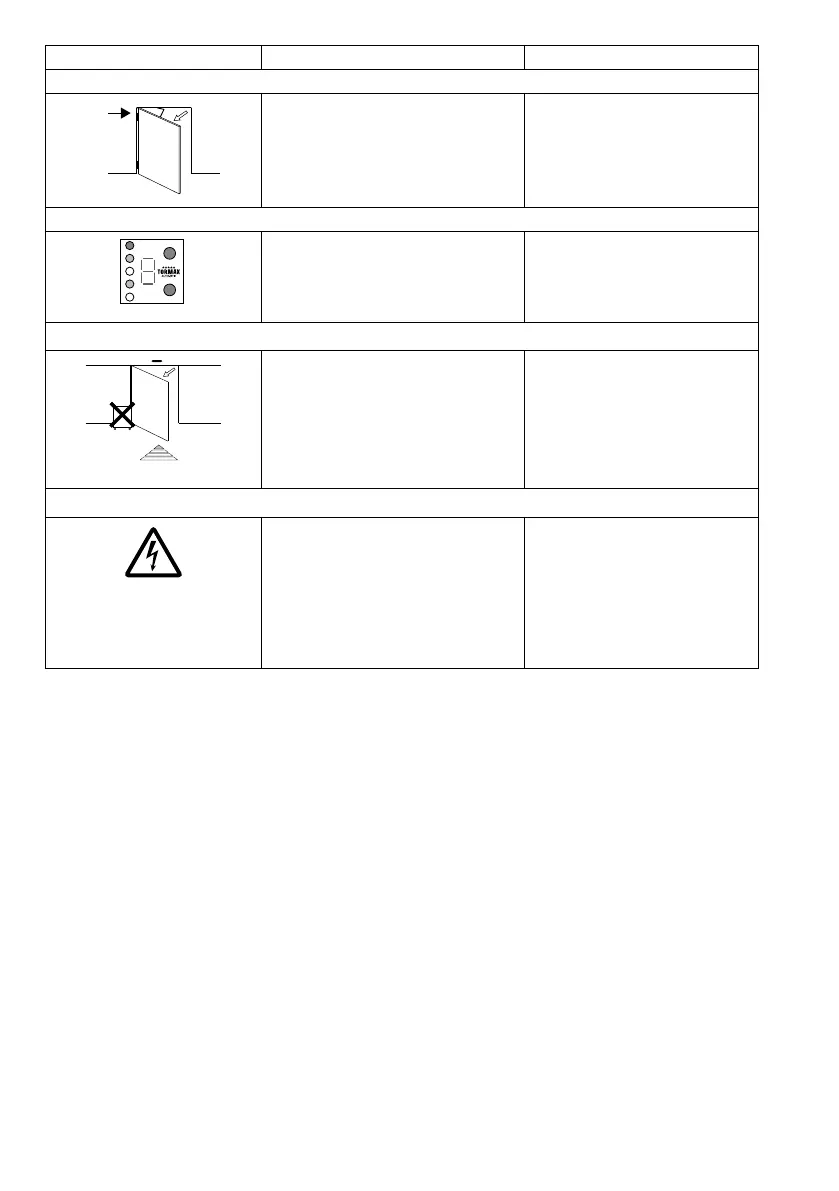
Drive, Lever and Hinges
T1540_8
• Checkthenoisesmadewhilethe
door moves.
No unusual and noticeable noise
can be heard from the drive, the
lever or in the region of the hinges.
No significant wear is visible.
Operating Components, Lettering and Marking
3
• Checkthefunctionandmarkingof
operating controls. Check all letter-
ing and marking for their condition.
The operating controls are func-
tioning correctly; the markings are
visible and legible.
System Vicinity
T1540_7
• Checkaccesstothedoorandthe
movement area of the door leaves.
Access to the door is free from
objects and items likely to cause
the user to trip. There are no ob-
jects such as shelves, plant con-
tainers and umbrella stands
within a radius of 50 cm of the
movement area.
Mains Power Cable
• Checkif themainspowercableis
damaged.
• If damaged,getthemainspow-
er cable replaced by a skilled
person.
• Checkif themainspowercableis
secured against entrapping in mov-
ing parts of the drive, door or sys-
tem.
• Ifthemainspowercableisnot
properly secured, get it se-
cured by a skilled person.



 To Next Page