8-3
OPTIONAL DEVICES
PC cards
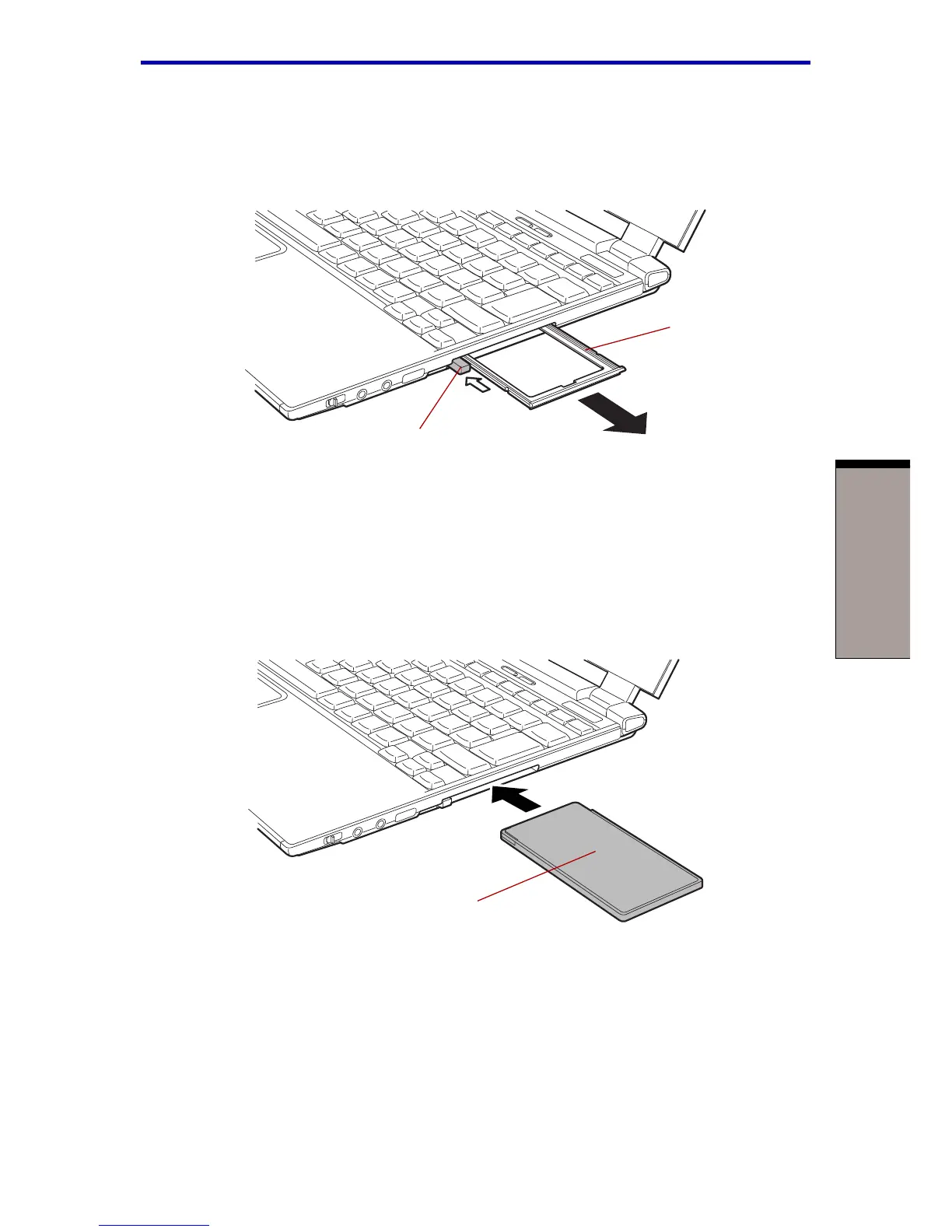
3. Pull the dummy card out and store it in a safe place. Install the dummy card
whenever you remove the PC card.
Figure 8-1 Removing the dummy card
4. Insert the PC card. When the card is almost fully seated, you will feel some
resistance. Press gently to ensure a firm connection, but do not force the card
into position.
Figure 8-2 Inserting the PC card
5. Check the configuration in the HW Setup window to make sure it is appropri-
ate for your card.
DUMMY CARD
EJECT BUTTON
PC CARD



 To Next Page
 Loading...



