2-1
T
HE GRAND TOUR
Chapter 2
The Grand Tour
This chapter identifies the various components of your computer. Become familiar
with each component before you operate the computer.
Front with the display closed
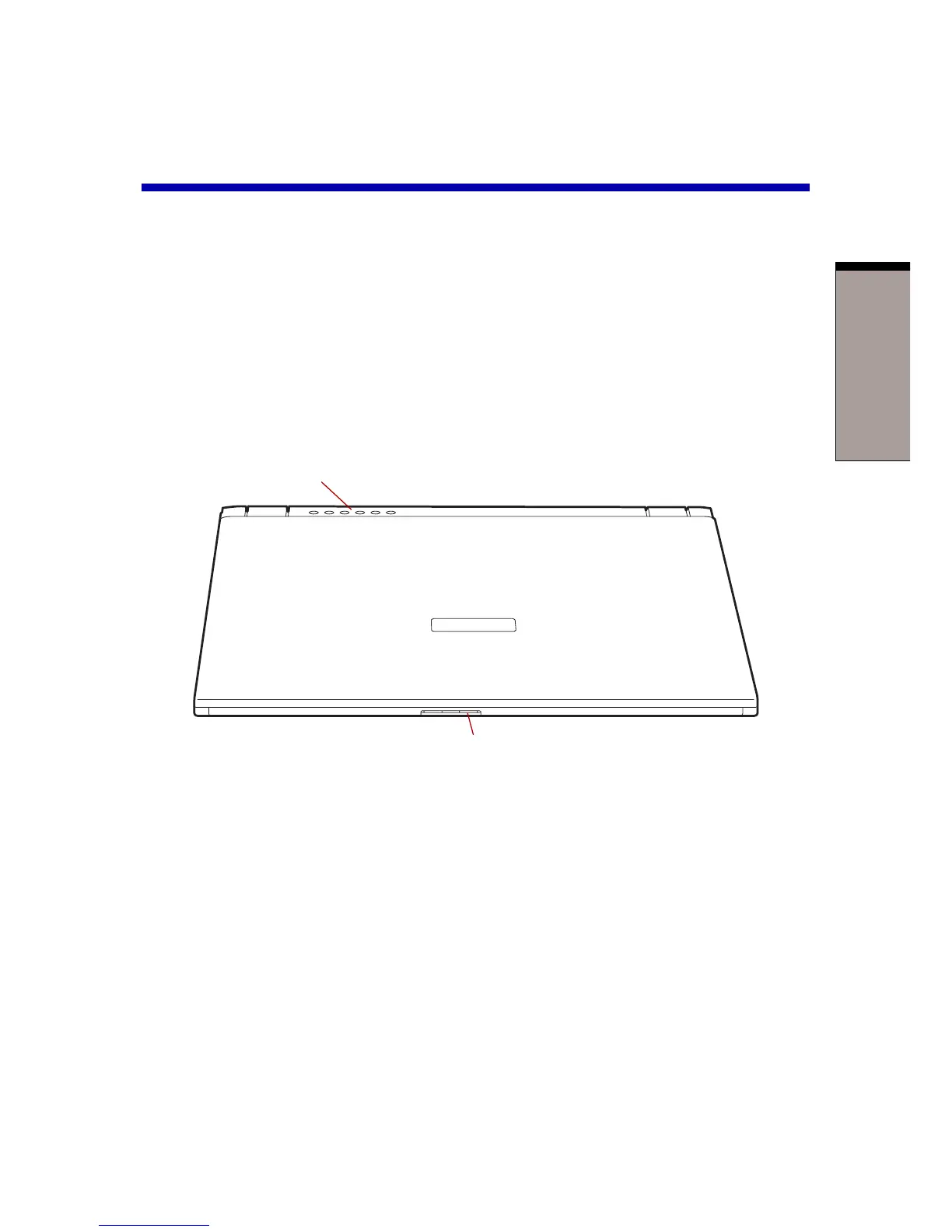
Figure 2-1 shows the computer’s front with its display panel in the closed position.
Figure 2-1 Front of the computer with display closed
Display latch This latch secures the LCD panel in its closed position.
Push the latch to open the display.
Power source/ LEDs let you monitor the status of various computer
system indicators functions. Details are given in the Indicators section.
DISPLAY LATCH
POWER SOURCE/SYSTEM INDICATORS



 To Next Page
 Loading...



