3-7
G
ETTING STARTED
Turning on the power
This section describes how to turn on the power.
NOTE: After you turn on the power for the first time, do not turn it off
until you have set up the operating system (OS) and the OS has started
up.
1. If the external diskette drive is connected, make sure it is empty. If a diskette is
in the drive, press the eject button and remove the diskette.
2. Open the display panel.
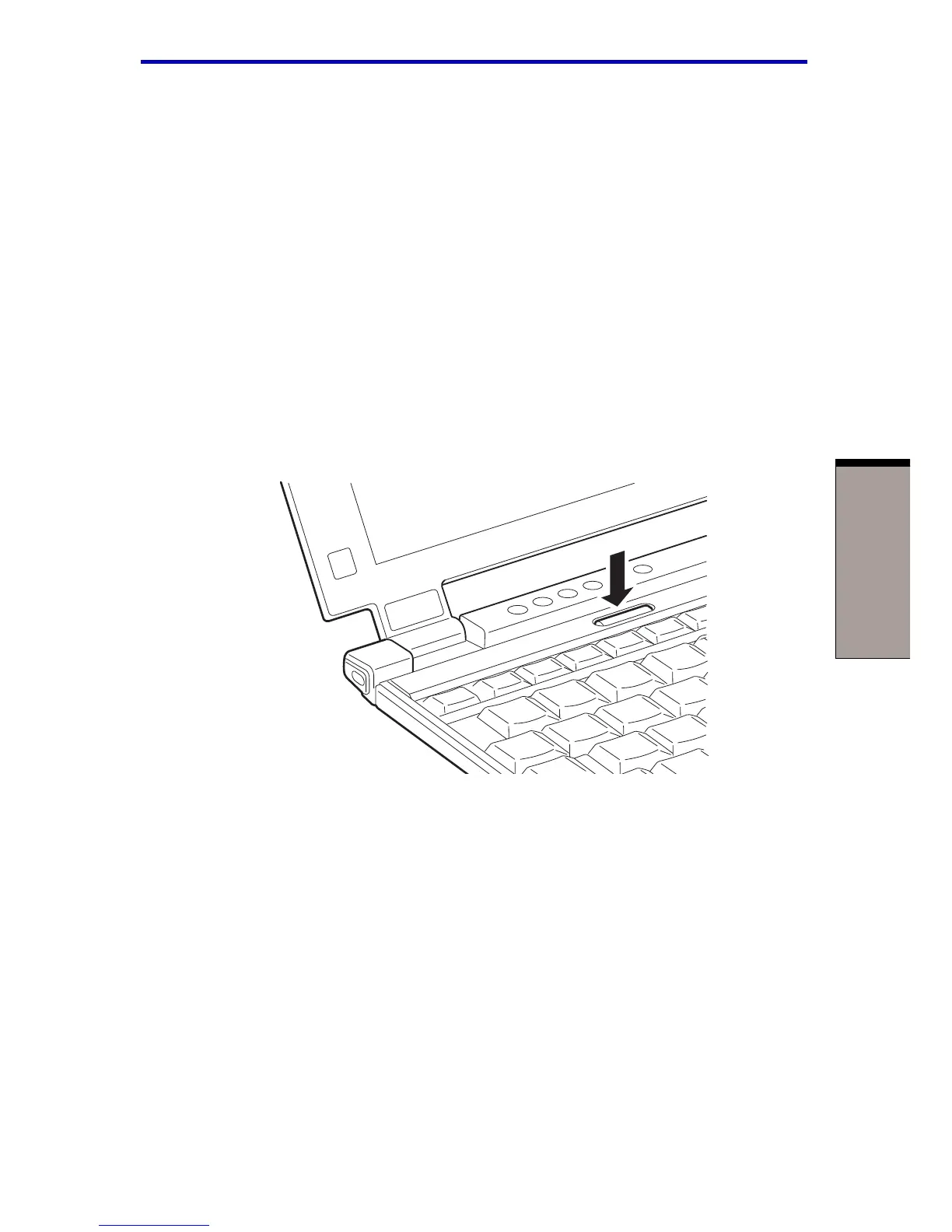
3. Press and hold the button for two or three seconds.
Figure 3-5 Turning on the power
Turning on the power



 To Next Page
 Loading...



